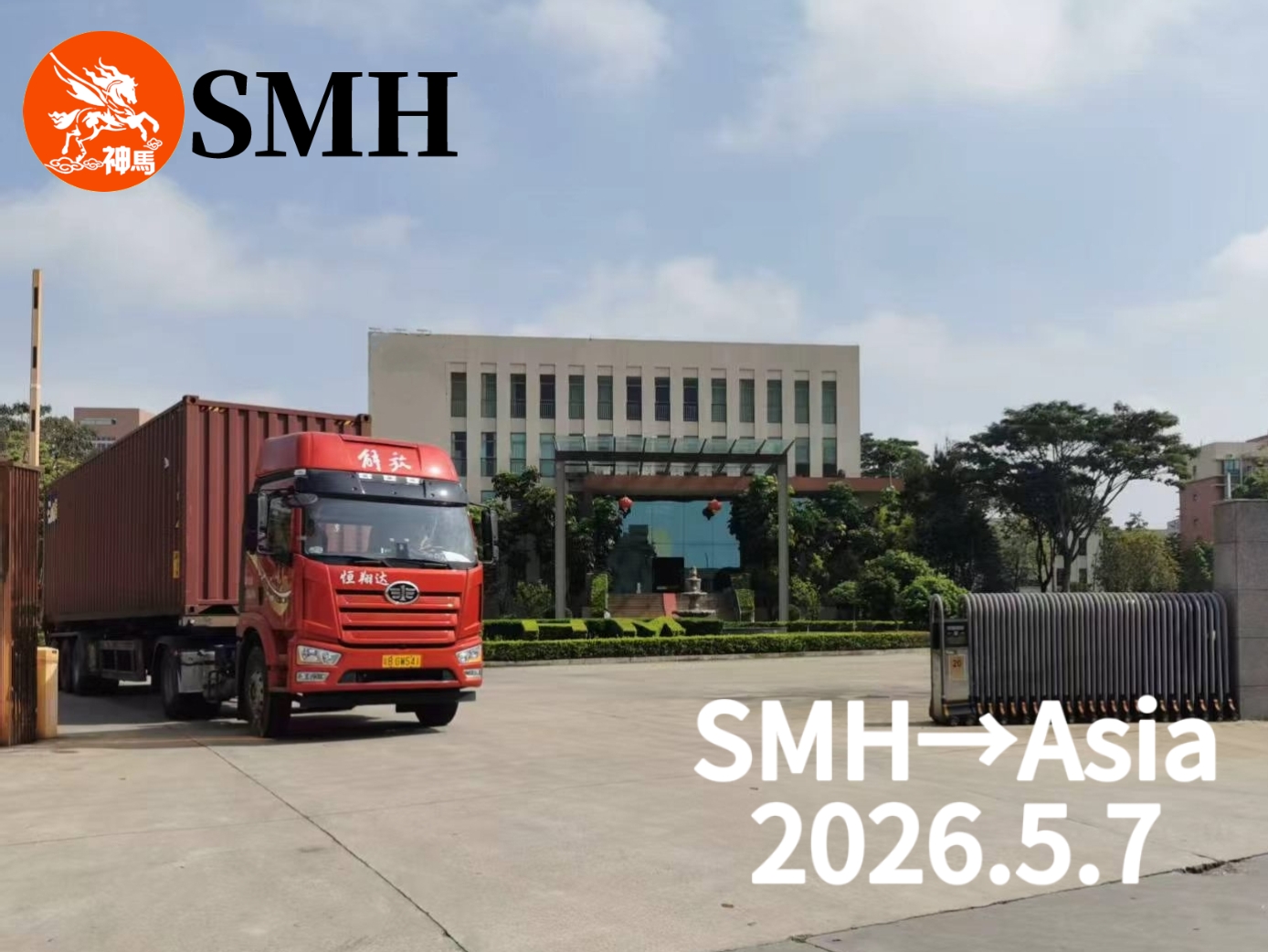
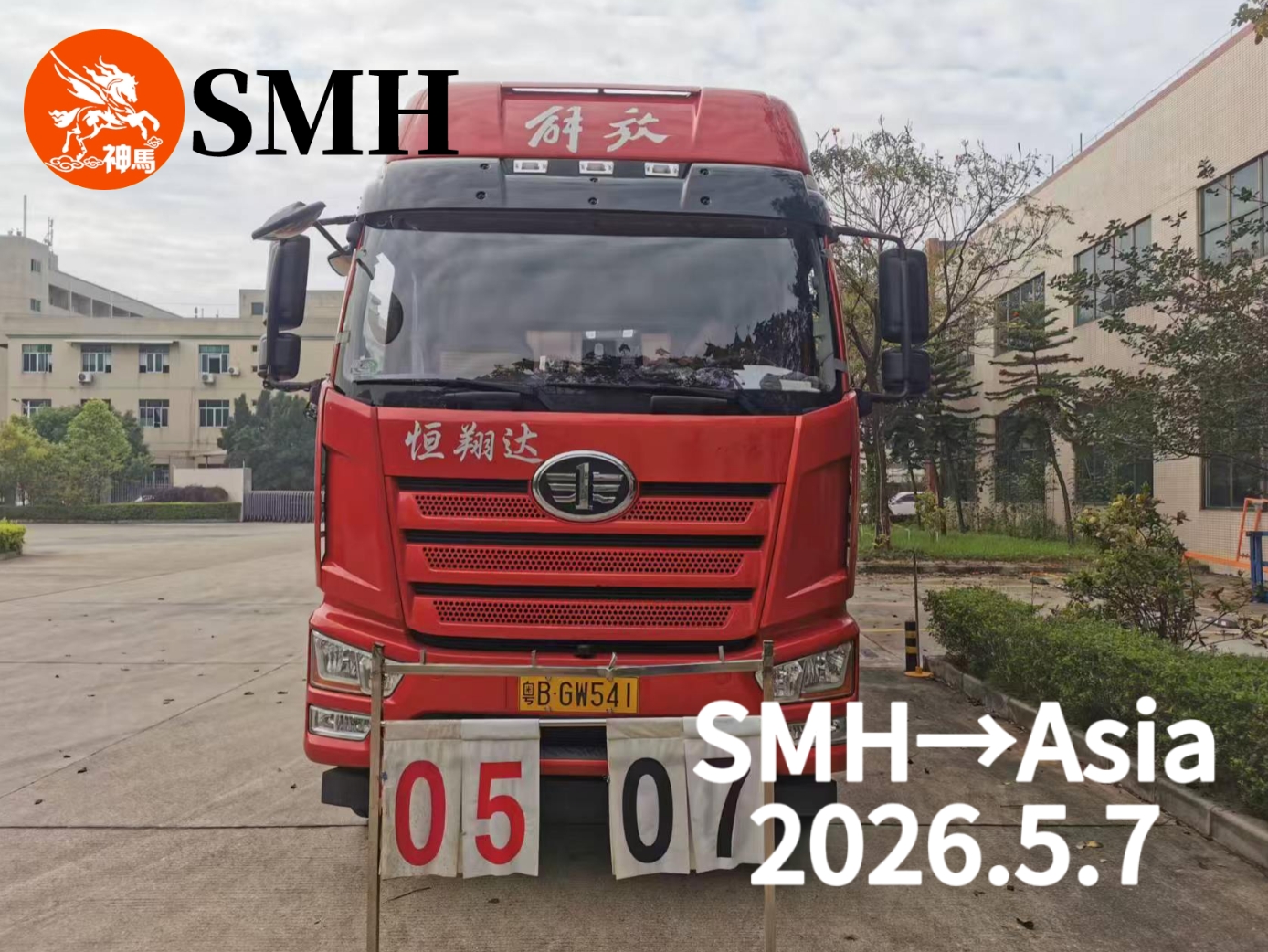
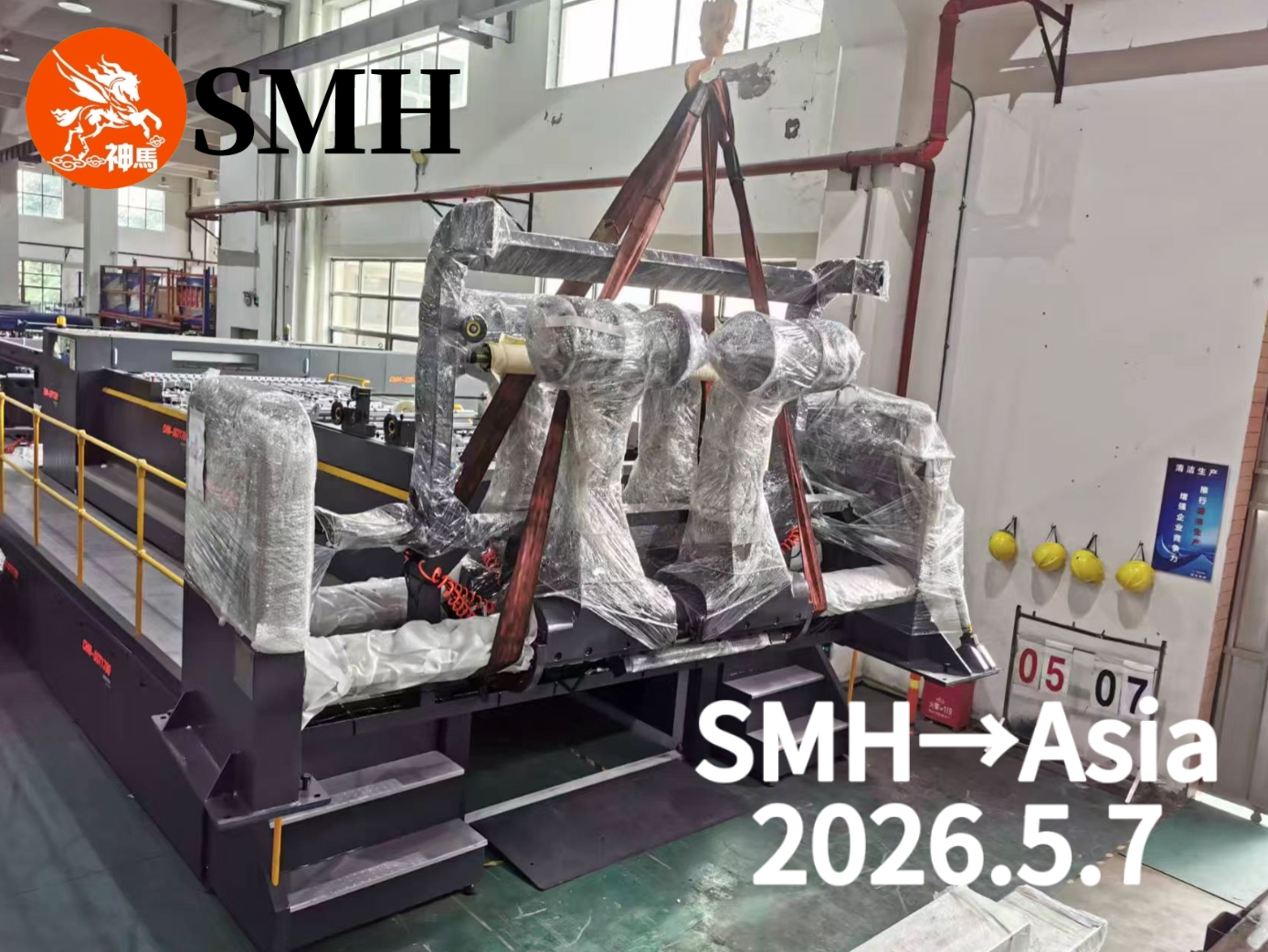
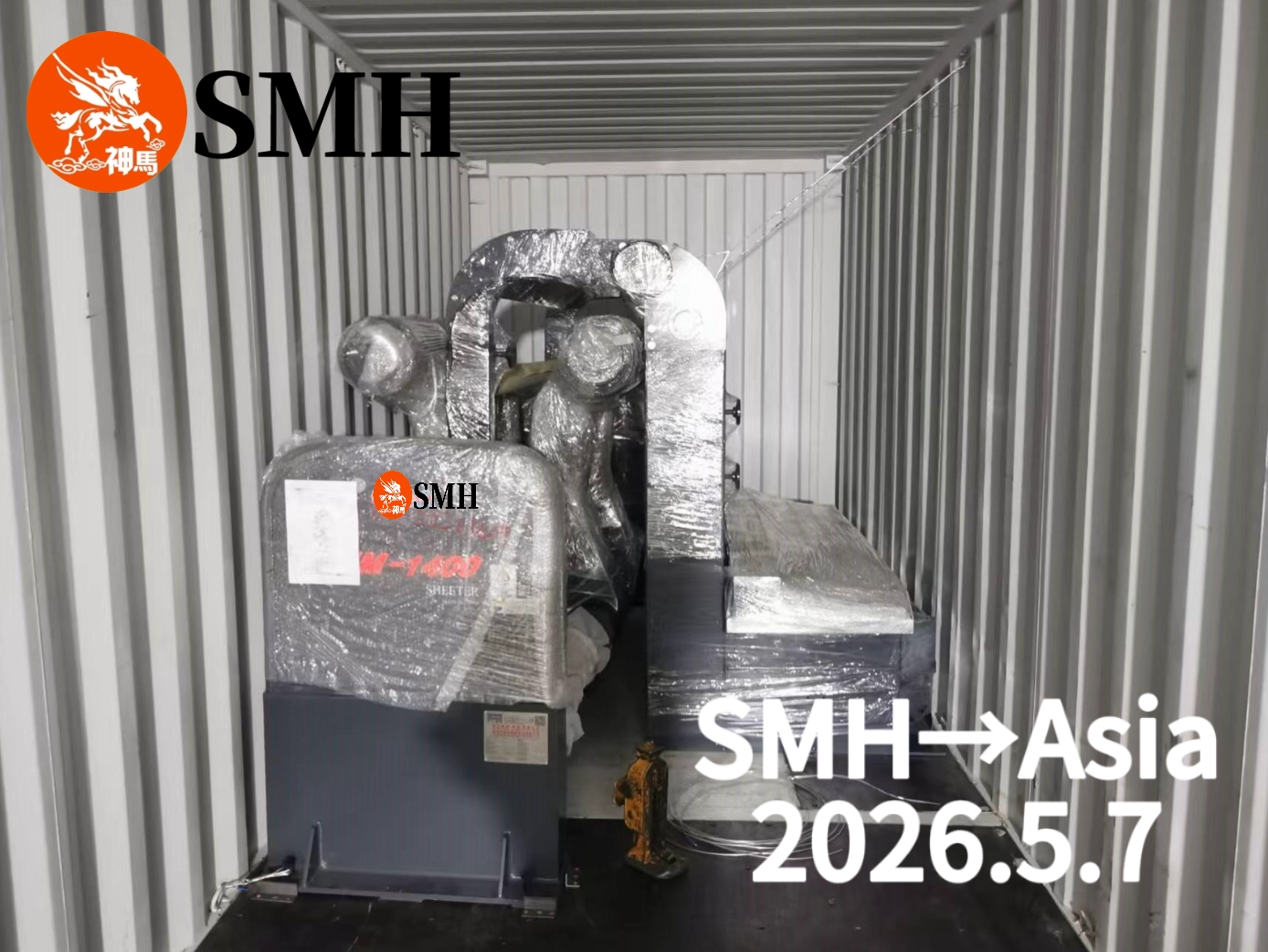
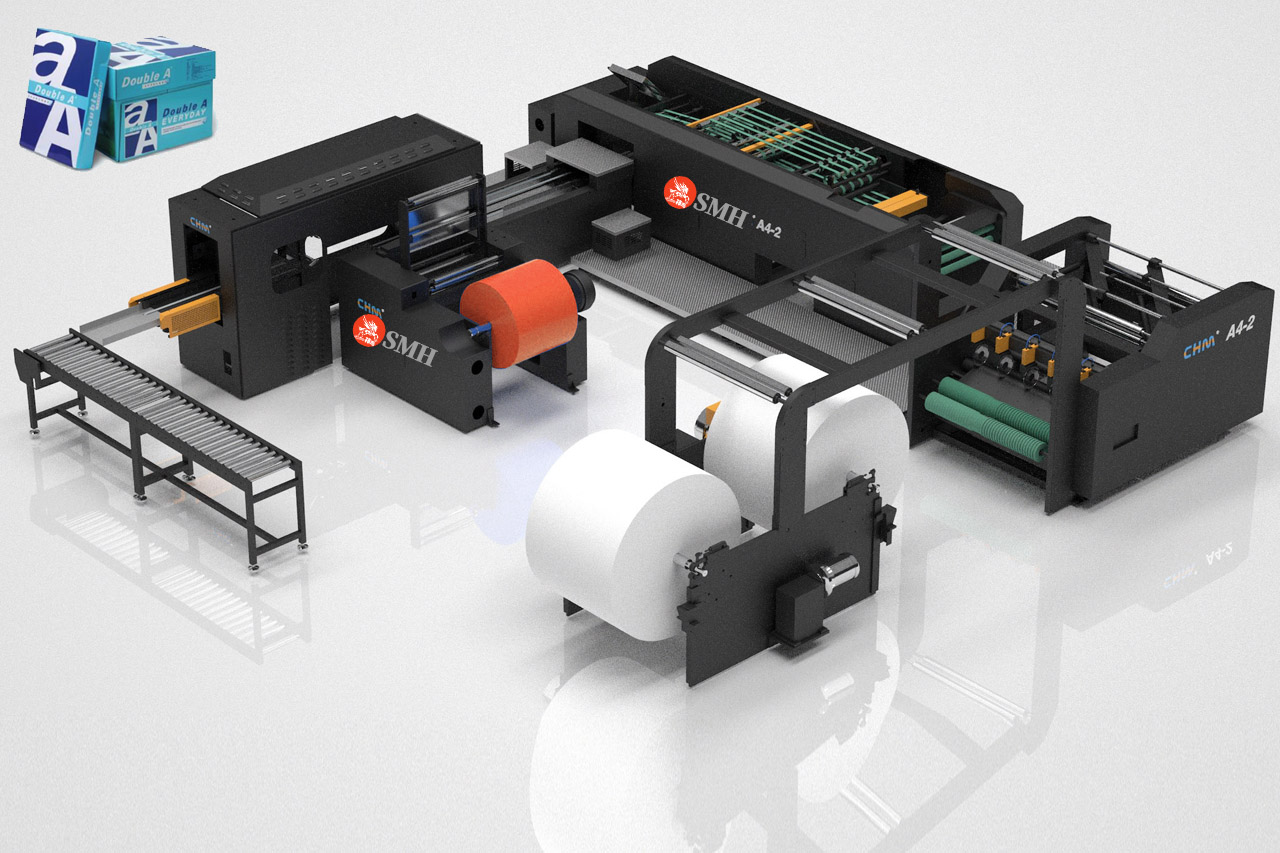
SMH shipped one SMH-1400 High Precision Synchronize-fly Sheeter to an Asian customer on May 7, 2026, highlighting its growing global paper converting equipment exports.
On May 7, 2026, SMH completed the loading and shipment of one SMH-1400 High Precision Synchronize-fly Sheeter for an important customer in Asia. After final inspection and running tests, the machine was officially prepared for overseas delivery.
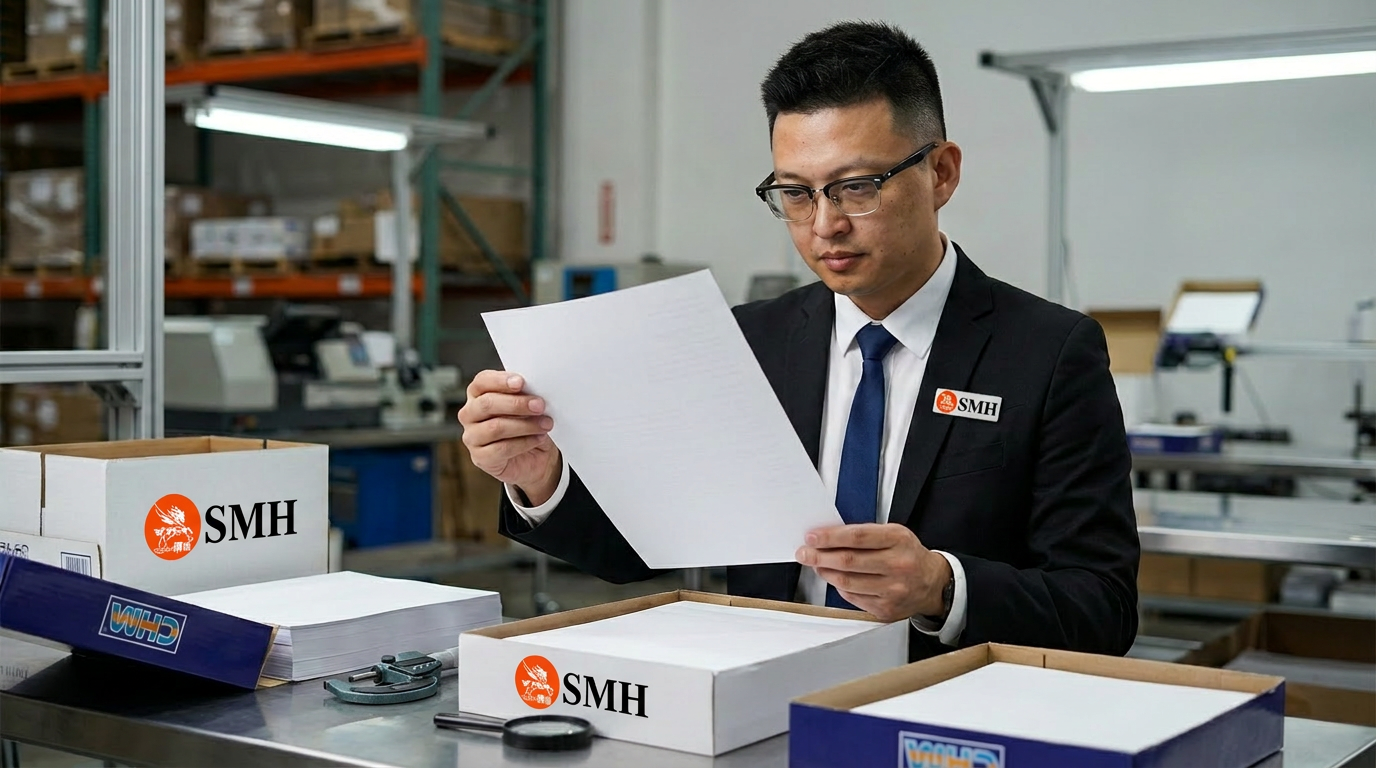
The SMH-1400 is designed for high-speed and high-precision paper sheeting applications. Equipped with synchronize-fly cutting technology, the machine delivers stable operation, accurate cutting length, and smooth paper edges during continuous production. It is widely used for coated paper, kraft paper, duplex board, and other paper converting applications.
Before shipment, SMH engineers carried out detailed testing on the transmission system, cutting section, electrical components, and running stability to ensure reliable performance after installation.
In recent years, SMH machines have been exported not only to Asia, but also to customers in the Middle East, Africa, South America, and other international markets. More paper mills and packaging factories are choosing SMH.
Why Many Factories Choose the Wrong Slitting Machine
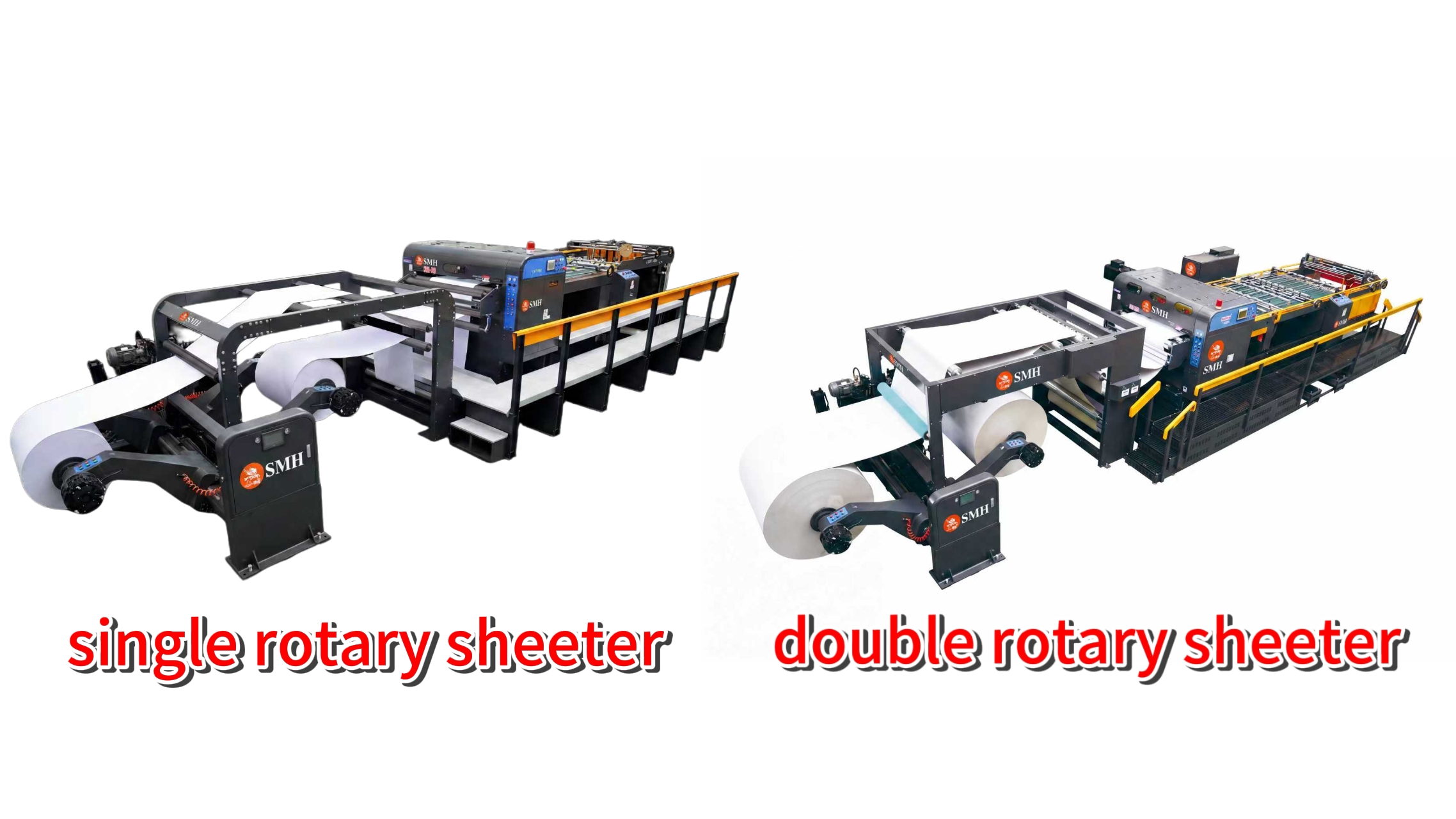
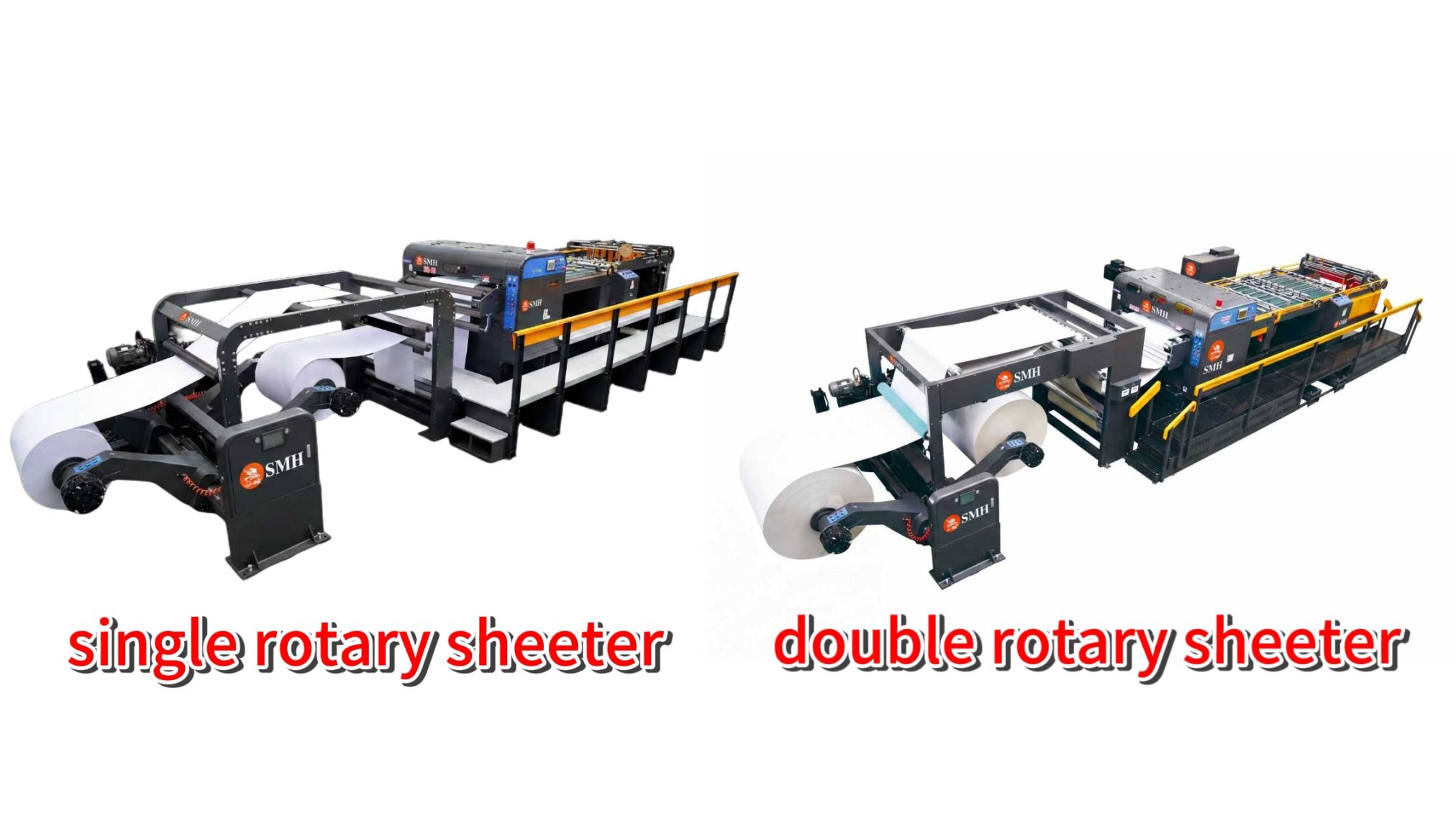
Comparison of single rotary sheeter and double rotary sheeter
A lot of factories focus only on machine price when buying a roll slitting machine.
But after the machine arrives, problems start showing up.
Thin paper runs fine, but thick board produces burrs. The line shakes at higher speed. Knife life becomes short. Operators keep adjusting tension and knife pressure.
In many cases, the issue is not the operator. It is simply the wrong machine structure for the material.
That is why understanding the difference between single knife and double knife slitting machines matters before purchasing equipment.
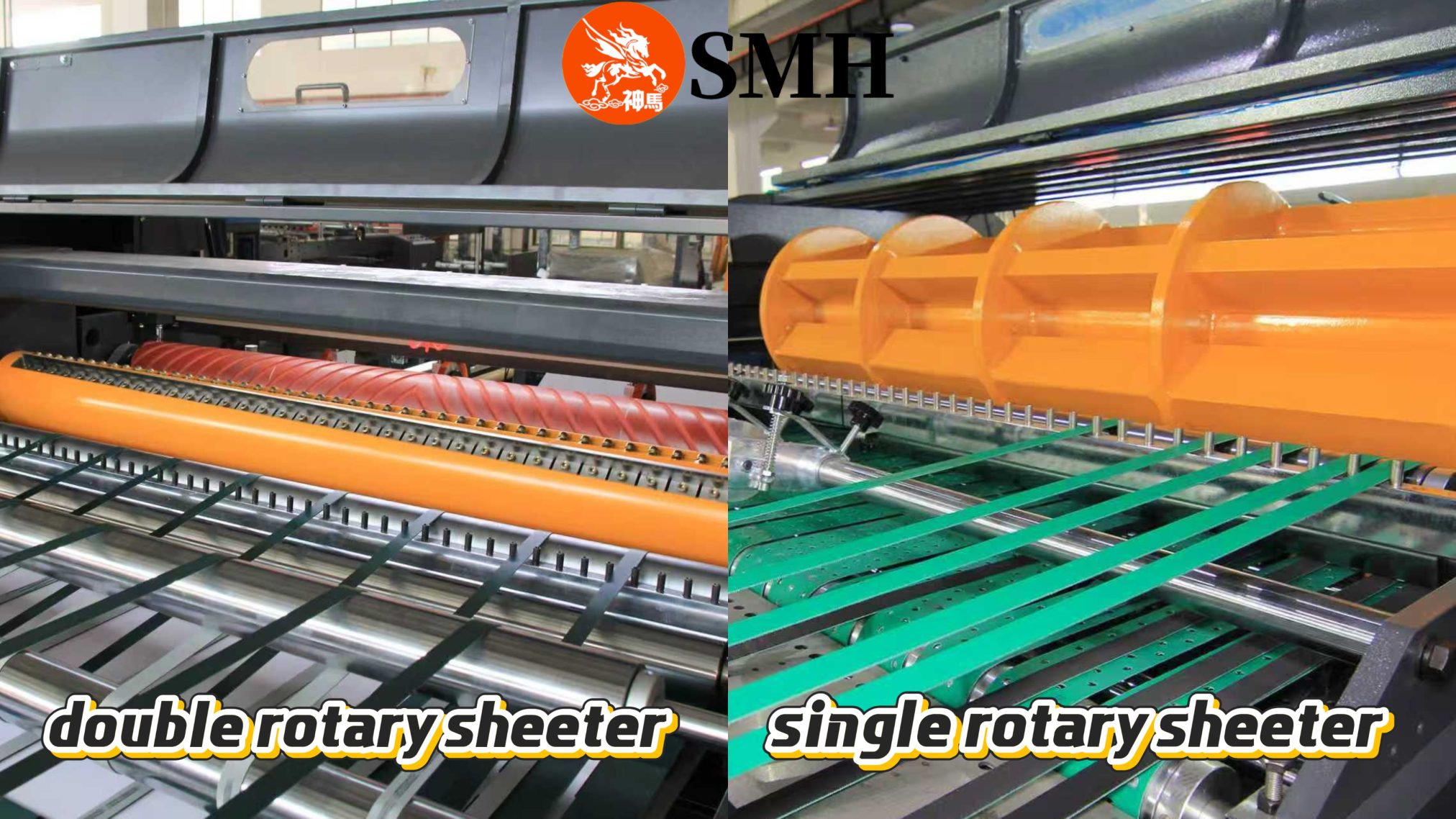
double rotary sheeter/single rotary sheeter
How a Single Knife Slitting Machine Works
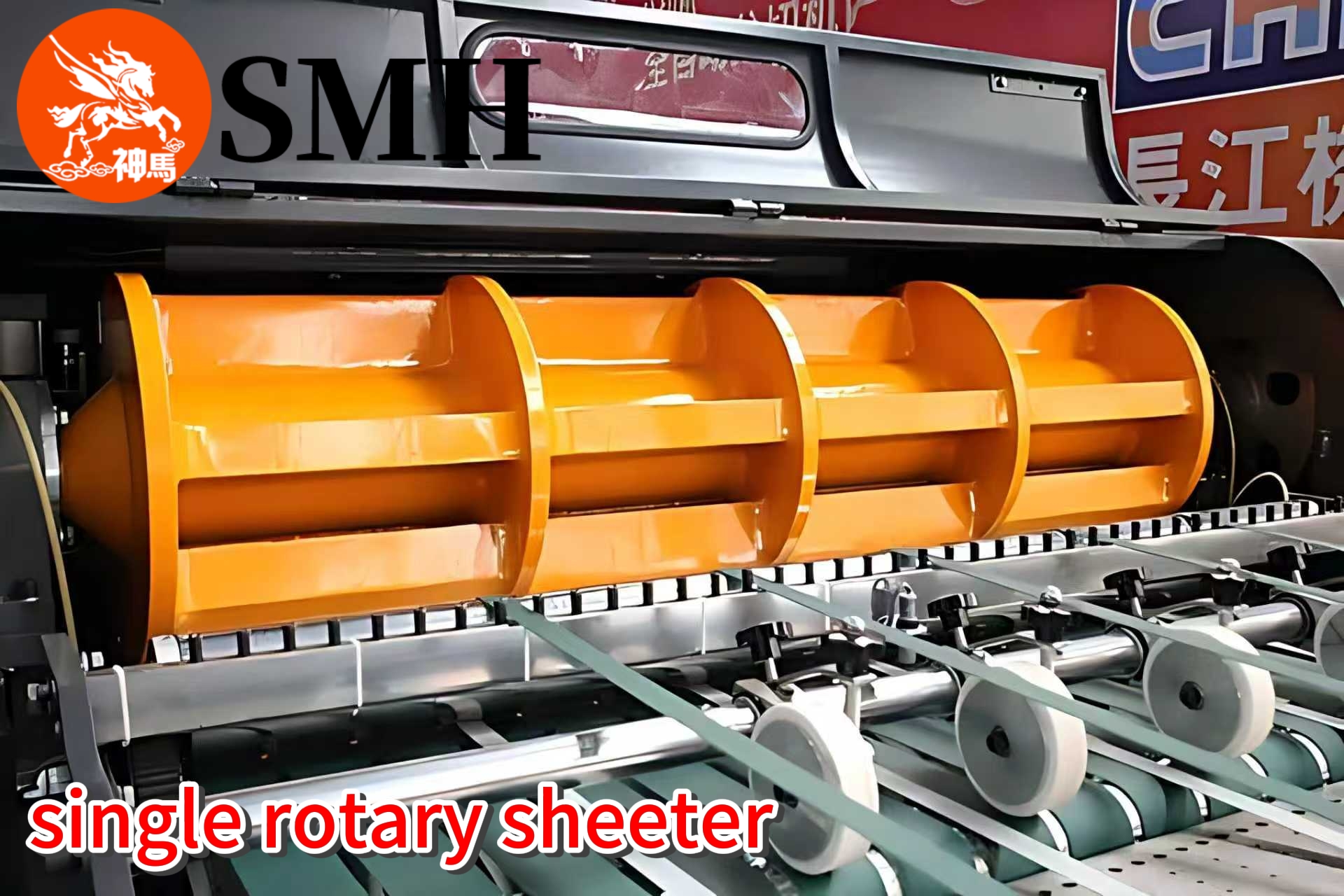
single rotary sheeter
A single knife slitting machine uses one rotating upper knife and one fixed bottom knife. The upper knife rotates continuously while the lower knife stays fixed.
During production, the material passes through the knife gap and is cut by impact force.
This structure is relatively simple. The machine cost is lower. Maintenance is easier. Changing specifications is also faster.
That is why single knife systems are still widely used in:
thin paper converting
label paper processing
film slitting
small batch production
factories with frequent order changes
For lightweight materials, the performance is usually acceptable.
The Limitation of Single Knife Cutting
The problem appears when material thickness increases.
Because the cutting force comes mainly from one side, stress concentrates at the cutting point. At higher speed or with heavier paper grades, this can cause:
rough edges
paper dust
slight burrs
unstable cutting quality
vibration during operation
This is especially obvious with kraft paper, duplex board, coated board, or laminated materials.
Many factories try to solve this by adjusting knife pressure repeatedly. Sometimes it helps temporarily. But the structural limitation still exists.
Why Double Knife Slitting Machines Cut More Smoothly
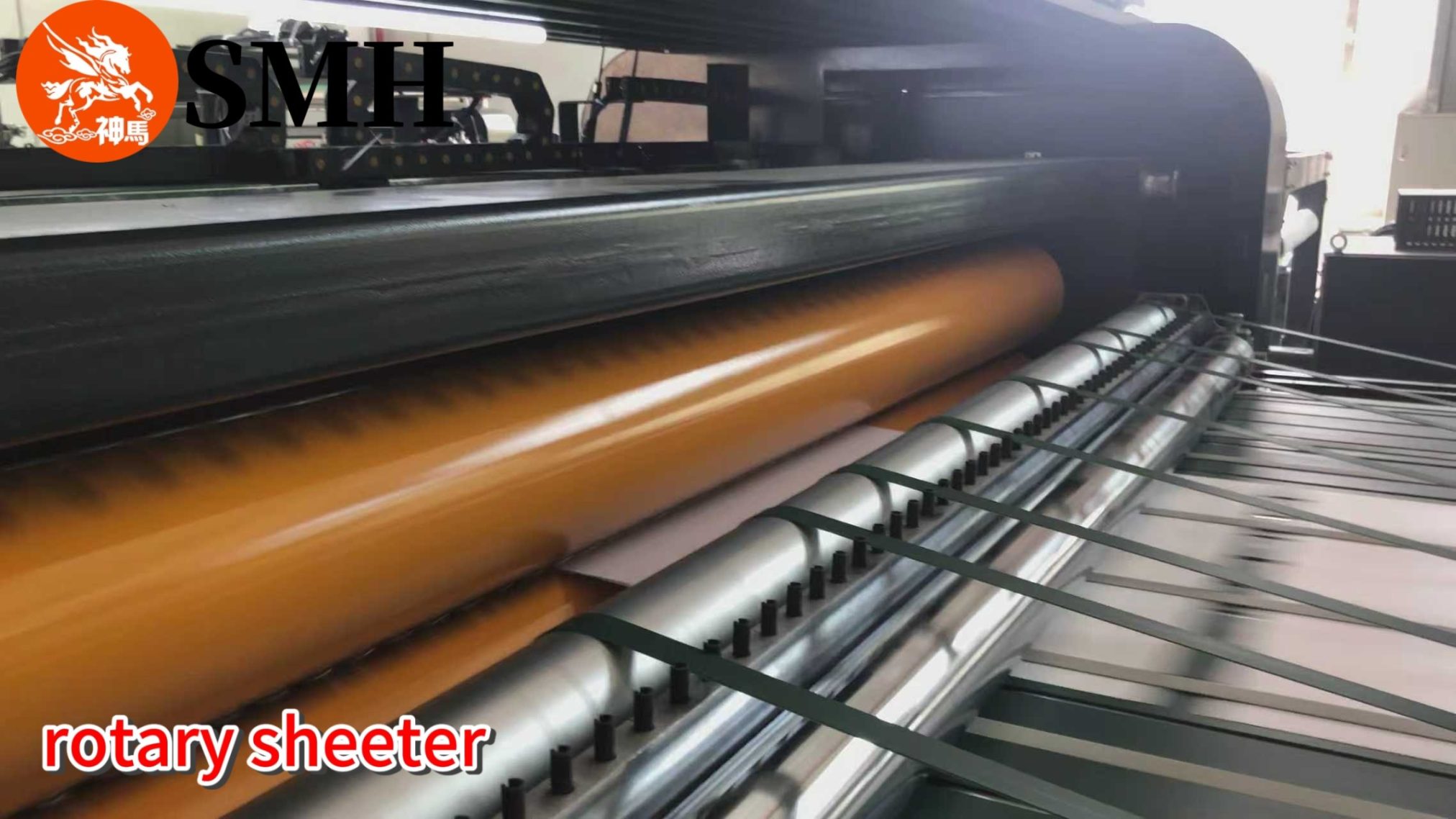
double rotary sheeter
A double knife slitting machine works differently.
Both upper and lower knife rollers rotate together. The two knife shafts are synchronized through servo control and electronic gearing.
Instead of impact cutting, the material is cut from both sides at the same time.
In actual production, the difference is very obvious. The paper enters the cutting area more smoothly. The cutting force is distributed evenly. The machine runs with less vibration.
This structure is much more suitable for:
high GSM paper
cardboard
aluminum foil
laminated material
lithium battery material
high precision converting
The finished edge is cleaner and more stable.
Why High-Speed Production Usually Uses Double Knife Systems
Many customers ask why high-speed production lines often use double knife structures.
The reason is stability.
At low speed, small cutting errors are sometimes difficult to notice. At high speed, those small problems become much larger.
If the knife system vibrates slightly, the finished edge quality changes immediately. If tension changes together with unstable cutting, defects appear quickly.
A double knife system handles high-speed production more steadily because:
both knife rollers rotate synchronously
cutting force stays balanced
vibration is lower
paper movement is smoother
That is why double knife systems are common in large paper mills and packaging factories.
Which Machine Is Better?
There is no absolute answer.
For thin paper, frequent order changes, and limited budgets, a single knife slitting machine is still a practical choice. The structure is simple and production flexibility is high.
For thick materials, high-speed production, and customers with strict cutting quality requirements, double knife systems offer much better long-term stability.
The most important thing is matching the machine structure to the actual production requirement.
Buying a machine only based on price often creates bigger production costs later.
In paper converting, some waste – trim loss or startup scrap – is expected. But when waste rates stay consistently high, the issue usually isn’t the material or even the machine. It’s how the process is controlled.
Interestingly, factories with the lowest waste rates aren’t always using the newest equipment. What sets them apart is how consistently they run their process.
Waste Is Often a Control Problem
The gap in waste rates rarely comes from a single factor. Instead, it’s from small variations throughout production:
Inconsistent setup between shifts
Frequent parameter changes without clear standards
Lack of repeatability between similar orders
Each variation may seem minor, but together they lead to higher reject rates, off-spec sheets, and increased material loss.
Three Habits of Low-Waste Operations
1. Strict Process Control Once a set of conditions works for a specific paper grade, document it and follow it consistently. Changes are only made when necessary, based on clear reasons. This reduces trial‑and‑error and keeps results predictable.
2. Consistent Parameter Management Treat parameter settings as production assets. Save job‑specific recipes, reuse proven settings, and record adjustments for future reference. This shortens setup time and reduces the risk of errors that cause waste.
3. Standardized Operator Practices Operator behavior directly affects waste. In low‑waste plants, procedures are clearly defined, each step follows a standard method, and results depend less on individual experience. This ensures consistency across shifts.
Why Equipment Alone Does Not Solve the Problem
Upgrading machines can improve performance, but it doesn’t automatically reduce waste. If the process remains inconsistent, new equipment will face the same issues: unstable operation, repeated adjustments, inconsistent output. Waste reduction requires both capable equipment and disciplined process control.
Practical Impact on Production
When these habits are applied:
Startup waste is reduced
Fewer sheets are rejected during production
Output becomes more stable
Material utilization improves over time
Even small improvements in waste rate have a measurable impact on total production cost.
Conclusion
Lower waste isn’t the result of working harder or running faster. It comes from running the same process the same way, every time.
Factories that control parameters, standardize operations, and reduce unnecessary variation achieve consistently lower waste rates – regardless of equipment level.
Want to lower your waste rate?
If your waste levels are higher than they should be, SMH can help you assess your process control, parameter management, and operator practices.
Contact SMH – get a practical waste reduction plan based on real production habits, not just new hardware.
When daily output falls short, the first reaction in many factories is to question the sheeter. Speed settings are checked, operators try to run faster, and adjustments are made on the main machine.
In practice, however, the sheeter is rarely the true bottleneck—especially in lines that are already capable of high-speed operation. What limits capacity is usually everything that happens after the sheets are cut.
Why the Sheeter Is Often Not the Problem
Modern sheeters are designed to run at stable, high speeds under normal conditions. If the downstream process cannot keep up, the sheeter is forced to slow down or stop intermittently.
This creates a false impression that the machine itself is underperforming, when in fact it is being constrained by the rest of the line.
Three Common Capacity Limiters
Packing Cannot Match Output Packing is one of the most frequent bottlenecks.
If wrapping, counting, or sealing is slower than cutting:
finished sheets begin to accumulate
operators must pause upstream production
temporary storage or manual handling increases
Even small mismatches in speed between cutting and packing will reduce total daily output.
Unstable or Inefficient Stacking Stacking issues do not always stop the line, but they reduce effective speed.
When stacking is inconsistent:
operators intervene to correct alignment
stacks need to be reworked before packing
machine speed is reduced to maintain acceptable quality
Over time, these small slowdowns add up to a significant loss in capacity.
Material Handling Delays Handling of rolls, pallets, and finished goods is often overlooked.
Typical delays include:
slow roll loading or changeover
manual pallet replacement
congestion in moving finished products out of the line
These interruptions may seem minor, but they directly reduce available production time.
The Hidden Impact of Small Losses
None of these issues alone may appear critical. However, when combined across a full shift:
short stops accumulate
machine utilization drops
actual output falls well below theoretical capacity
This is why some lines running all day still produce less than expected.
What Improves Real Capacity
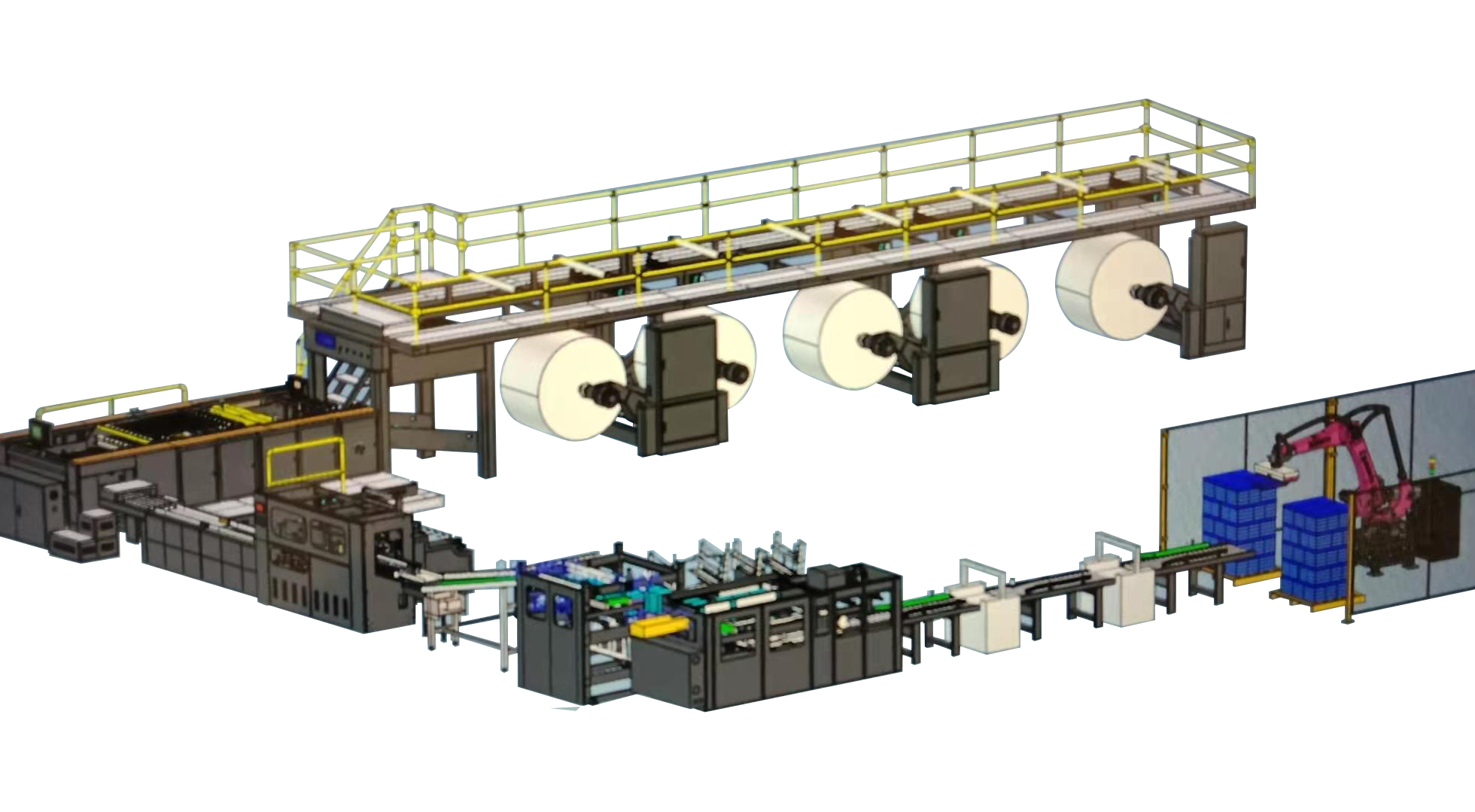
Increasing daily output is not only about increasing speed. It requires balancing the entire process so that each section supports continuous flow.
In a well-coordinated line:
cutting, stacking, and packing operate at matched speeds
material handling is smooth and predictable
interruptions are minimized
The result is higher effective production without overloading any single machine.
Practical Outcome
When bottlenecks are addressed across the full line:
production runs longer without interruption
output becomes more predictable
operator workload is reduced
overall efficiency improves without pushing equipment to its limits
Conclusion
If your daily production capacity is lower than expected, the cause is rarely just the sheeter. The real constraints are usually found in packing, stacking, and material handling.
Improving capacity requires looking at the entire workflow, not just the main machine. When the line is balanced, output increases naturally and sustainably.