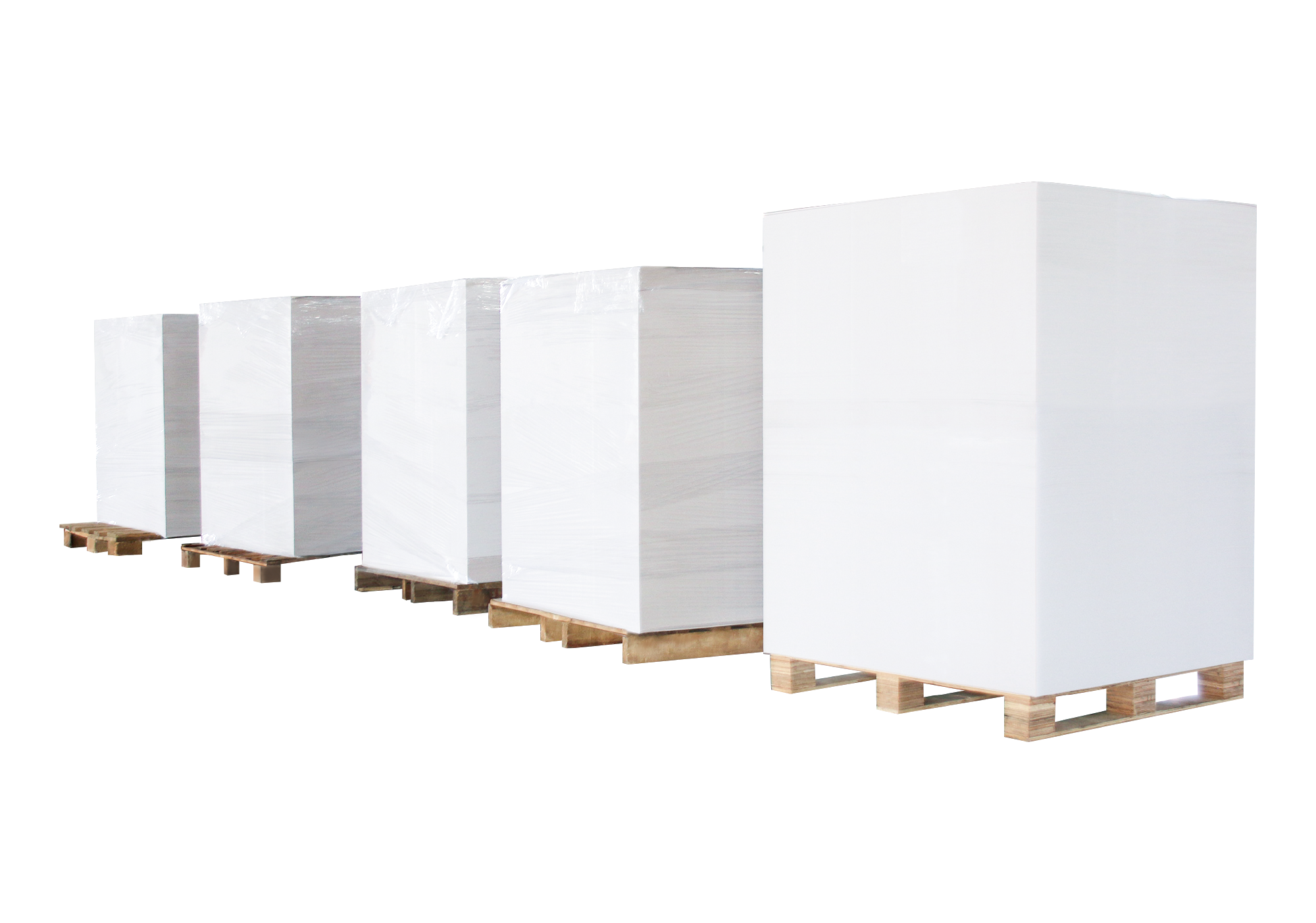
How to Start an A4 Paper Manufacturing Business

The A4 paper business is often seen as simple: buy jumbo rolls, cut, pack, and sell.
In reality, the difference between a profitable operation and a struggling one lies in how well the production system is planned from the beginning.

Many new entrants underestimate three things:
equipment configuration, cost structure, and market positioning.
Getting these right early on determines whether the business can scale or not.

1. Know Your Business Model First

Before spending money on machines, be clear about your role in the market. Three common models:

  • Trading-based – buy and resell finished A4 paper. Low margin, high competition.
  • Converting-based – buy jumbo rolls and produce your own A4. Higher margin, better control.
  • Integrated – combine production, branding, and distribution.

Most successful companies move toward converting because it gives you quality control, flexible production, and better profit.

2. Raw Material: Jumbo Roll Quality Matters

Your final product depends heavily on the jumbo roll. Key factors:

  • GSM consistency
  • Moisture content
  • Stiffness and smoothness
  • Supplier stability

Inconsistent raw material leads to cutting defects, size variation, and poor stacking. A stable supply chain is just as important as the machine.

3. Equipment Configuration – The Core of Your Line

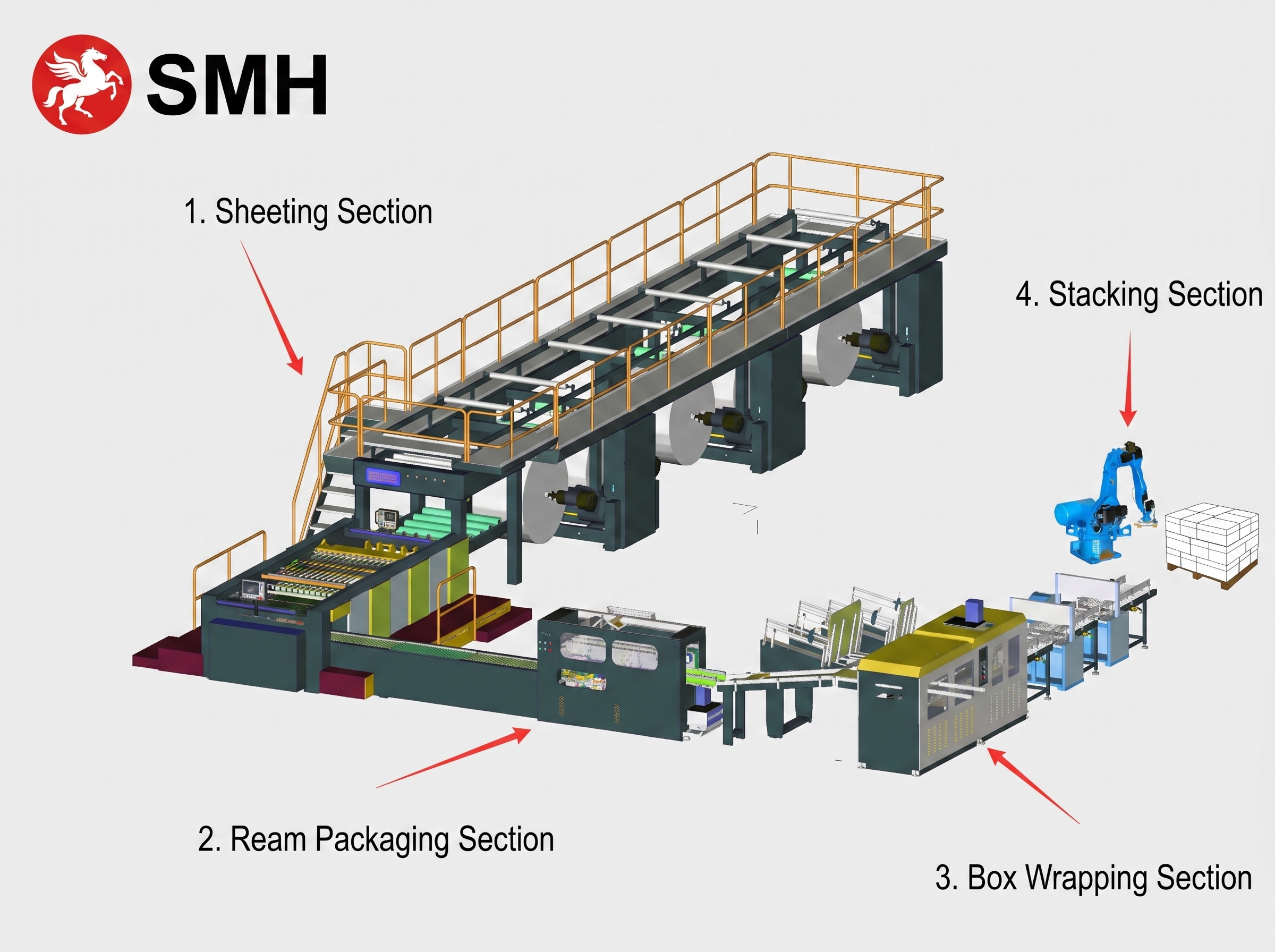
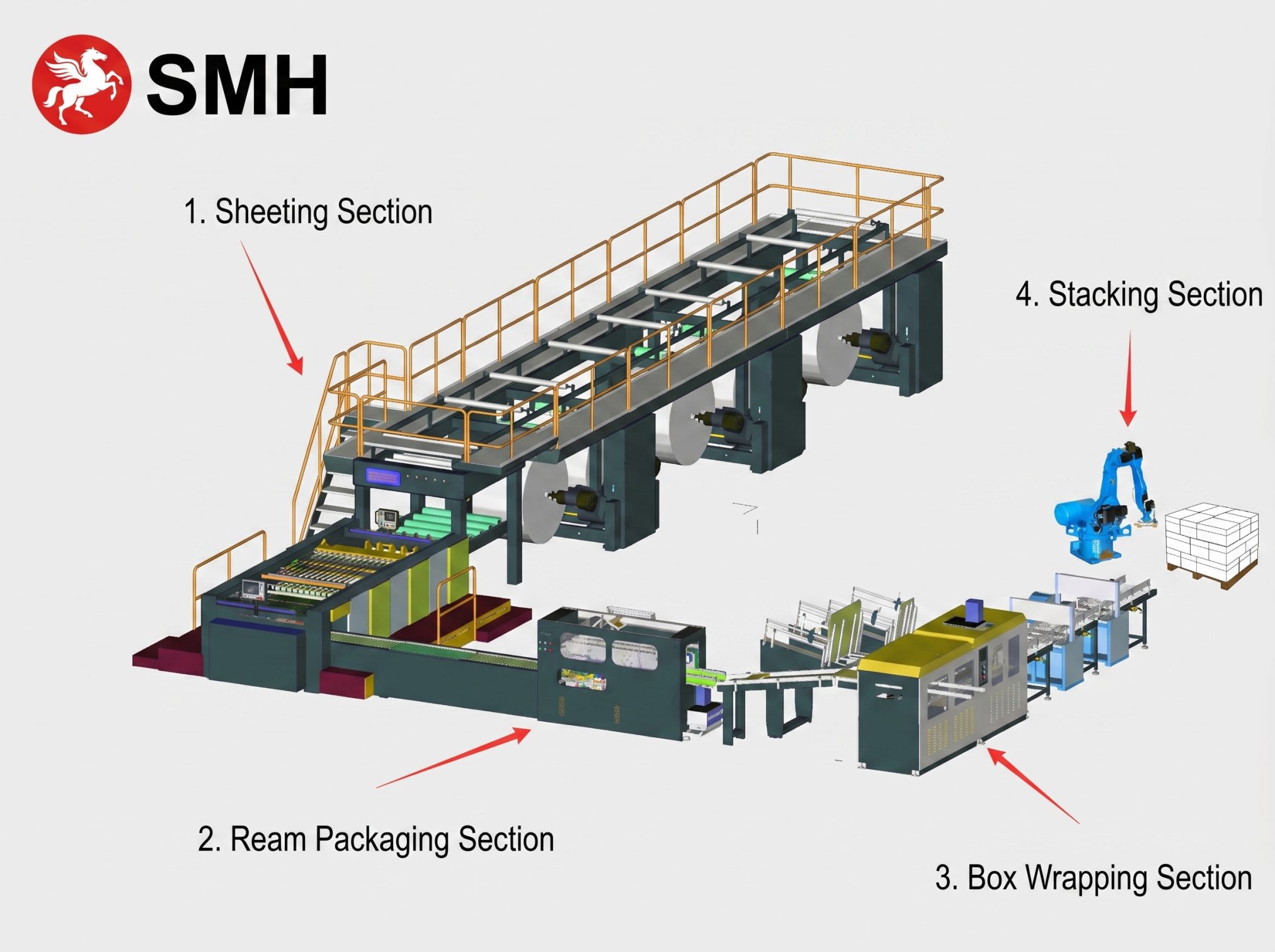
A complete A4 production setup usually includes:

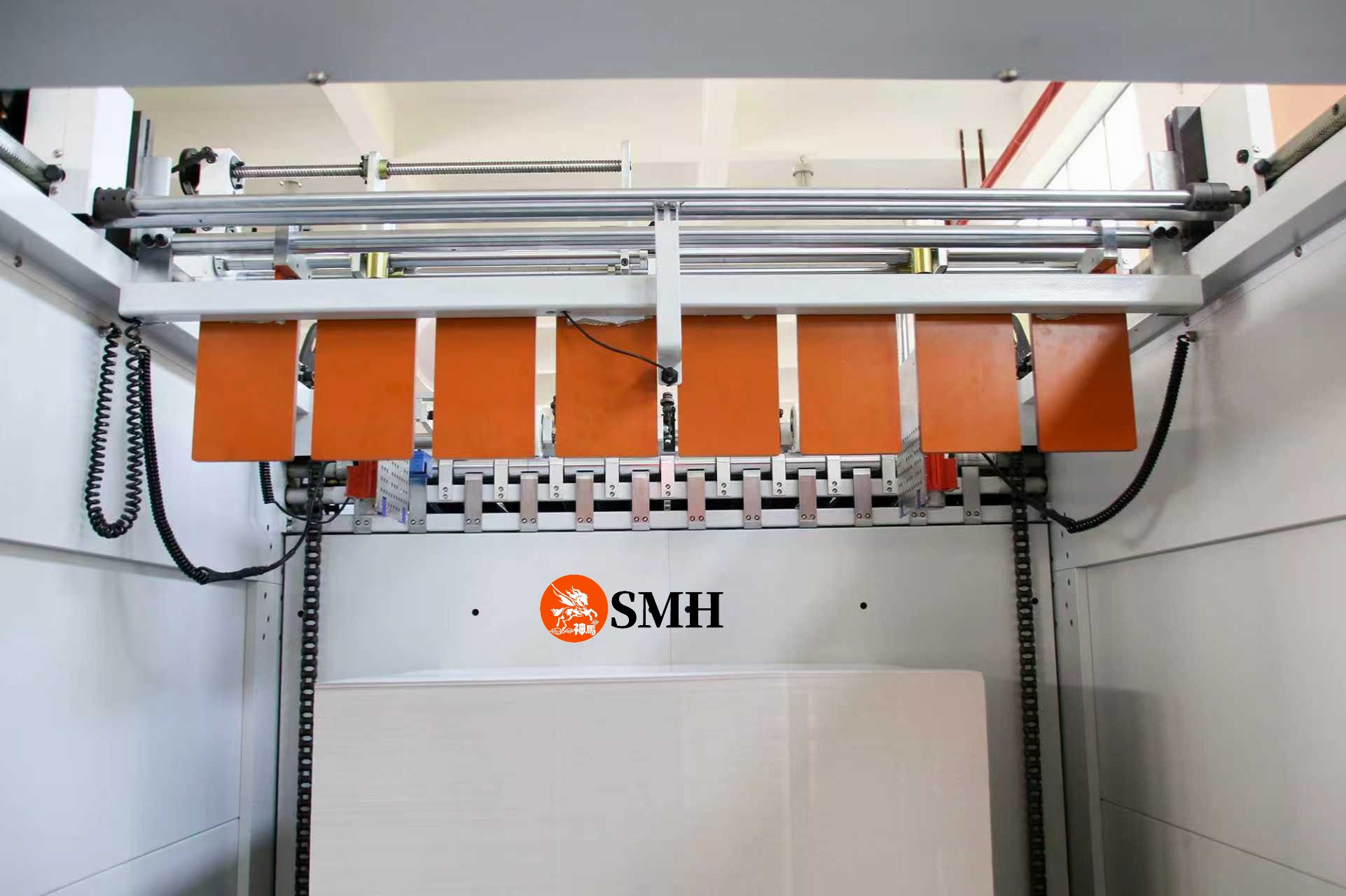
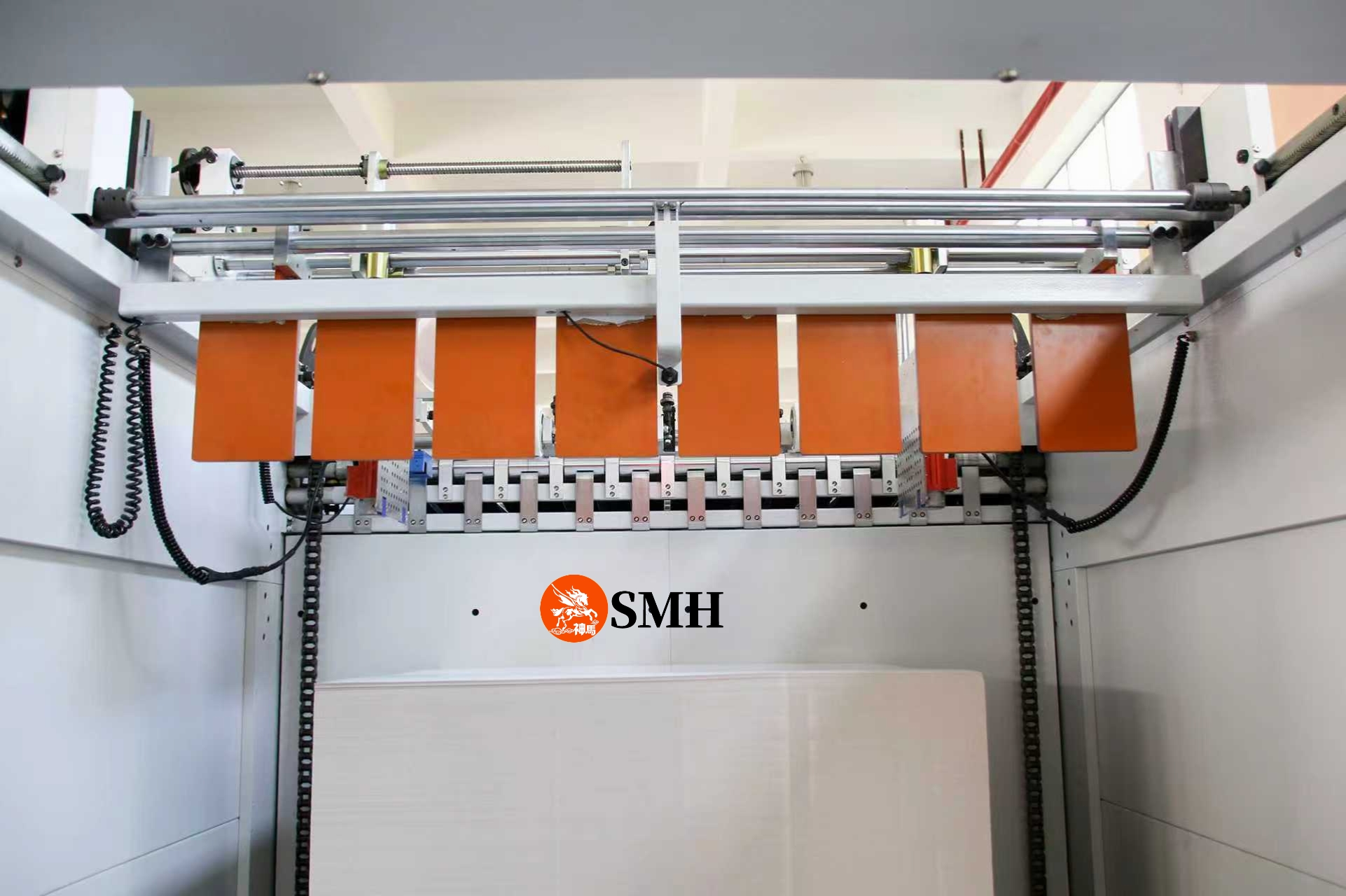
  • High-speed sheeter / cutting system
  • Ream wrapping machine (A4 packing)
  • Carton packing system
  • Optional automation (palletizing, auto splicing, etc.)

The key is not just buying machines, but making sure they work as a coordinated line. If cutting speed exceeds packing capacity → bottleneck. If automation is missing → labor cost goes up. If precision is unstable → product quality suffers.

A balanced line gives you continuous operation, stable output, and minimal downtime.

4. Efficiency vs. Initial Investment

One common mistake: choosing equipment based only on price. Low-cost machines often mean lower speed, higher defect rates, and frequent downtime. That directly hurts profitability.

A properly configured line should deliver stable high-speed production, consistent cutting accuracy, and reliable packaging output. In most cases, efficiency – not upfront cost – determines your ROI.

5. Labor and Automation Planning

Labor is a major cost in A4 production. Manual operations limit speed, consistency, and scalability. By adding automation – auto ream packing, carton packing, palletizing – you reduce manpower, improve efficiency, and maintain consistent quality. Automation becomes critical as volume grows.

6. Market Positioning and Product Strategy

Not all A4 paper is the same. You need to decide:

  • Target market (office, wholesale, export)
  • Product grade (economy, standard, premium)
  • Branding strategy

Customization can be a competitive advantage – different sheet counts per ream, private label production, flexible order quantities. The closer you are to the end market, the more value you capture.

7. Factory Layout – Often Overlooked

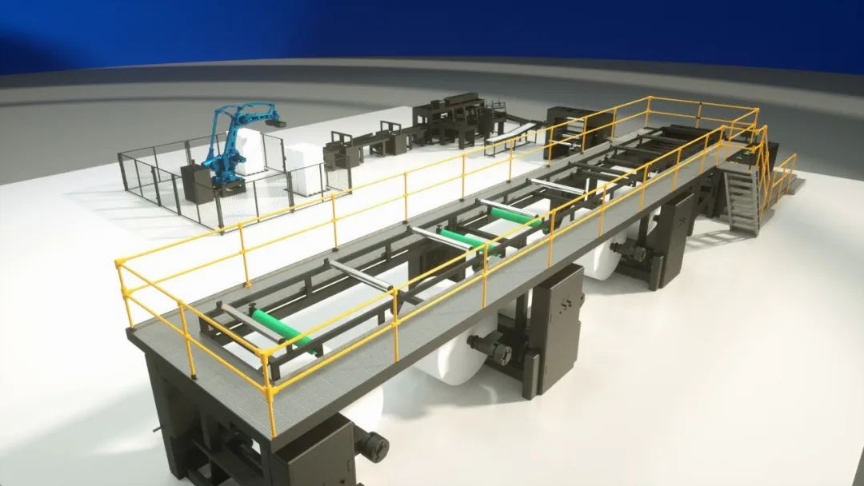
Poor layout wastes time and labor. A good layout ensures smooth material flow (jumbo roll → cutting → packing → storage), minimal manual handling, and clear production zones. Don’t skip this.

8. Cost Structure and ROI

Your profitability depends on raw material cost, labor cost, and operational efficiency. A well-designed A4 line reduces waste, increases output, and shortens payback period. Companies that invest in stable, efficient equipment usually achieve faster ROI than those who go for the cheapest option.

Conclusion

Starting an A4 paper business is not just buying a machine – it’s building a reliable production system. Success depends on the right equipment configuration, stable raw material, efficient operations, and smart market positioning.

Do it right, and you move beyond low-margin trading into a sustainable, scalable business.

Need a complete A4 production line?

If you’re planning to start or upgrade your A4 paper manufacturing business, SMH can provide complete production solutions based on your actual factory requirements.

Contact SMH for a customized A4 production line configuration – we’ll help you find the most efficient setup for your investment.

Why Can’t Your High-Speed Sheeter Actually Run at High Speed?

Many paper mills and converters have faced the same situation:
the machine is rated at 400–600 m/min, but in real production, it can only run steadily at 250–350 m/min.

Once the speed goes up, problems start to appear—
vibration increases, noise becomes harsh, paper edges deteriorate, and stacking turns unstable.

This is not a motor issue.
In most cases, it comes down to one thing: machine structure and dynamic stability.

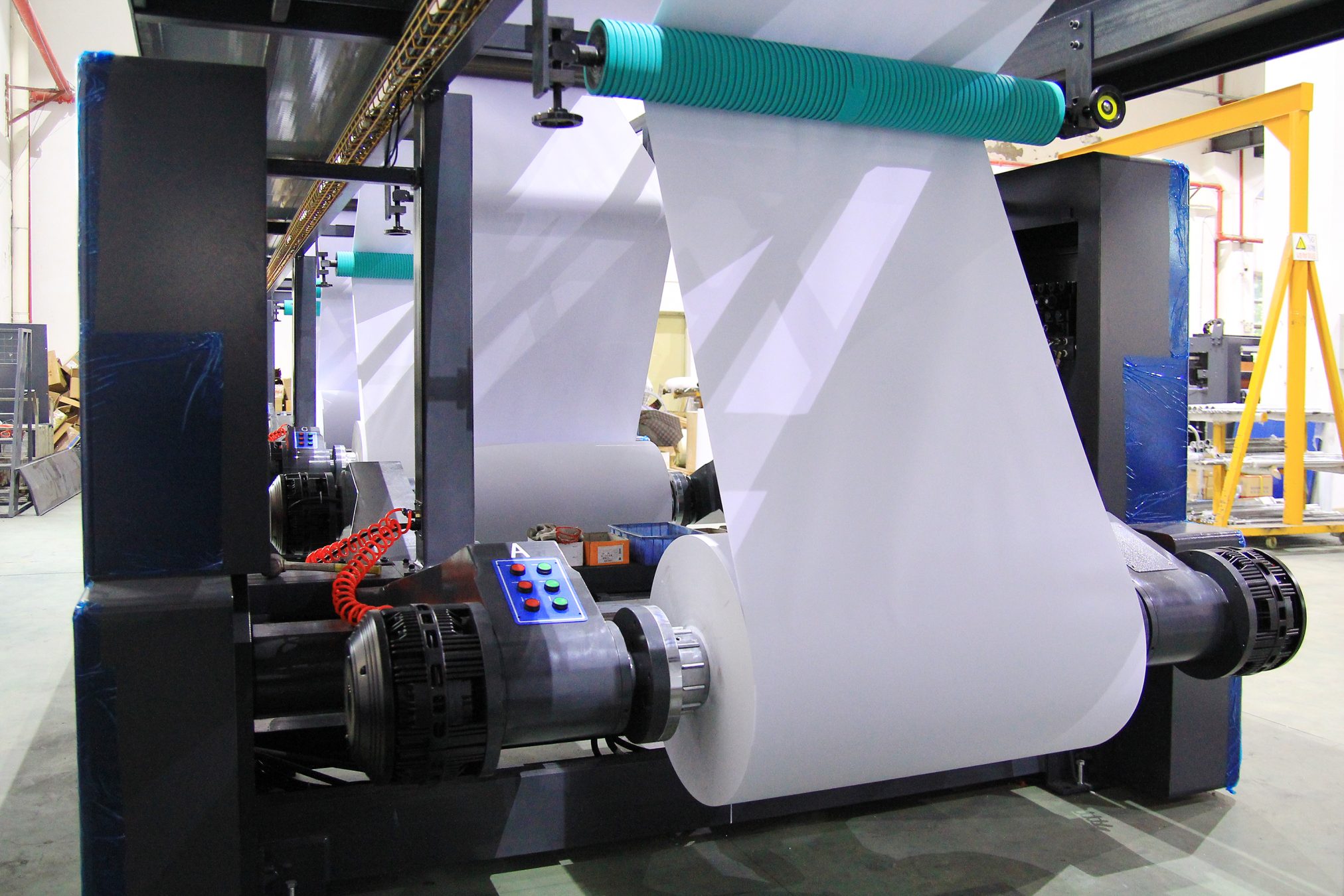
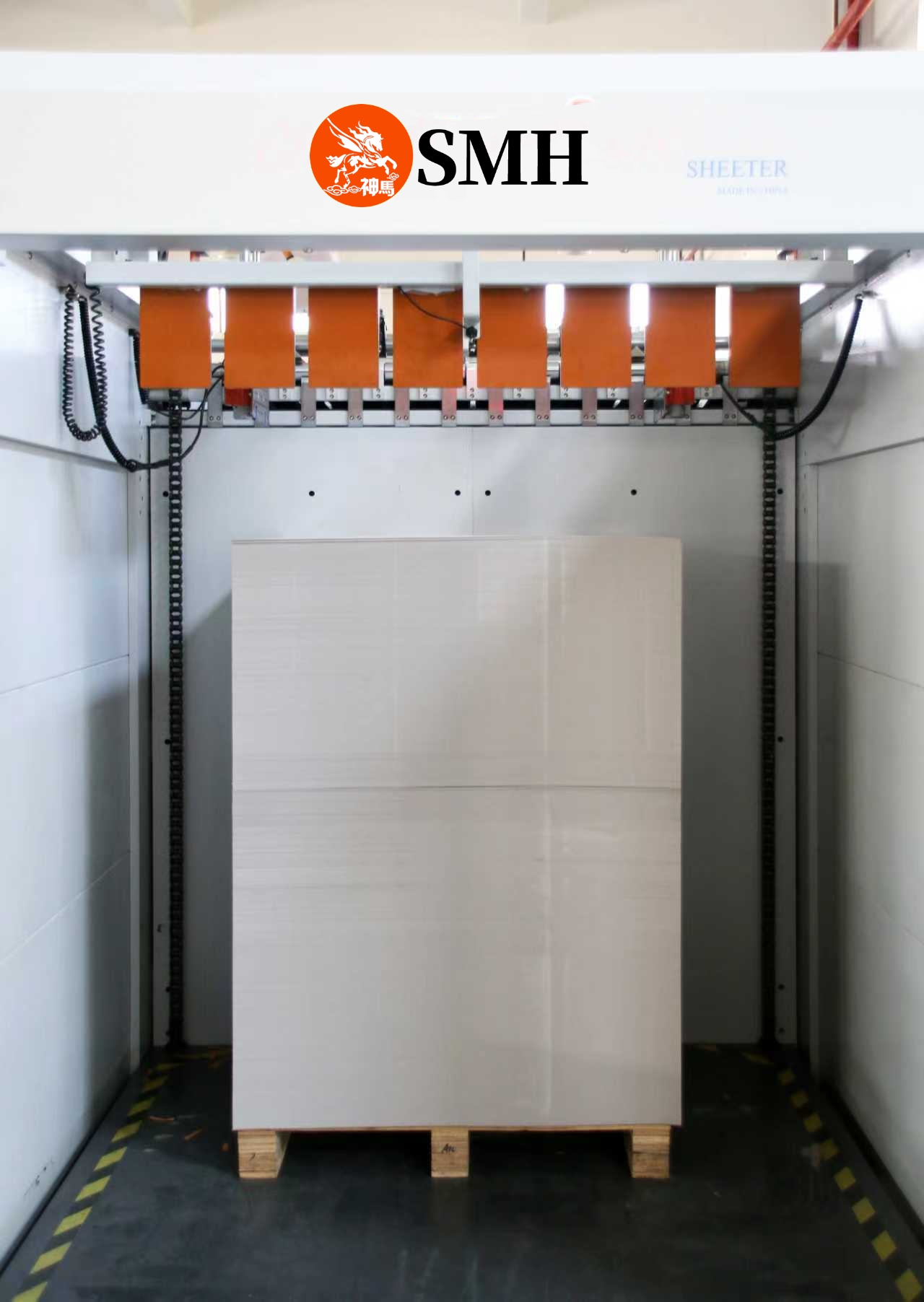
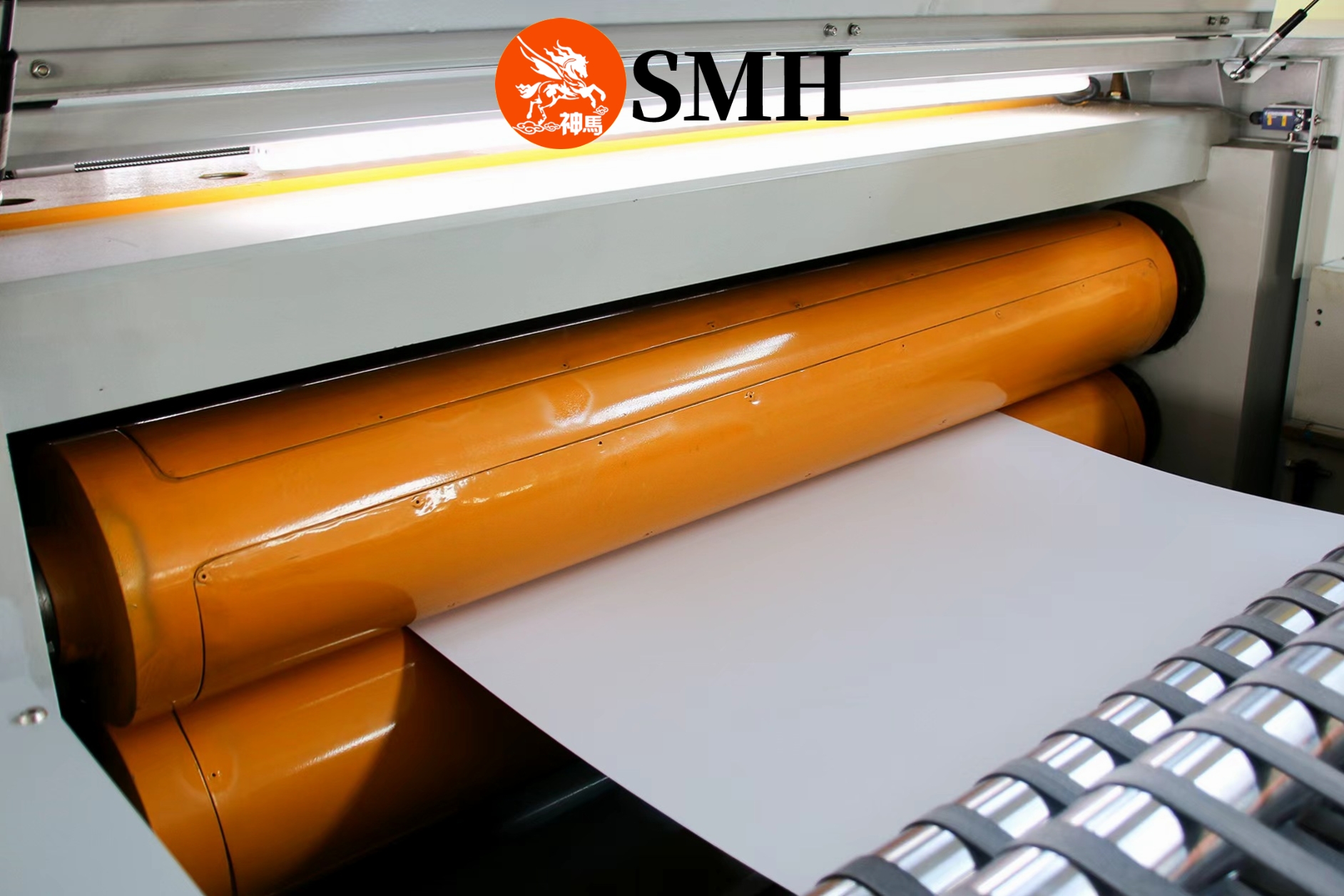
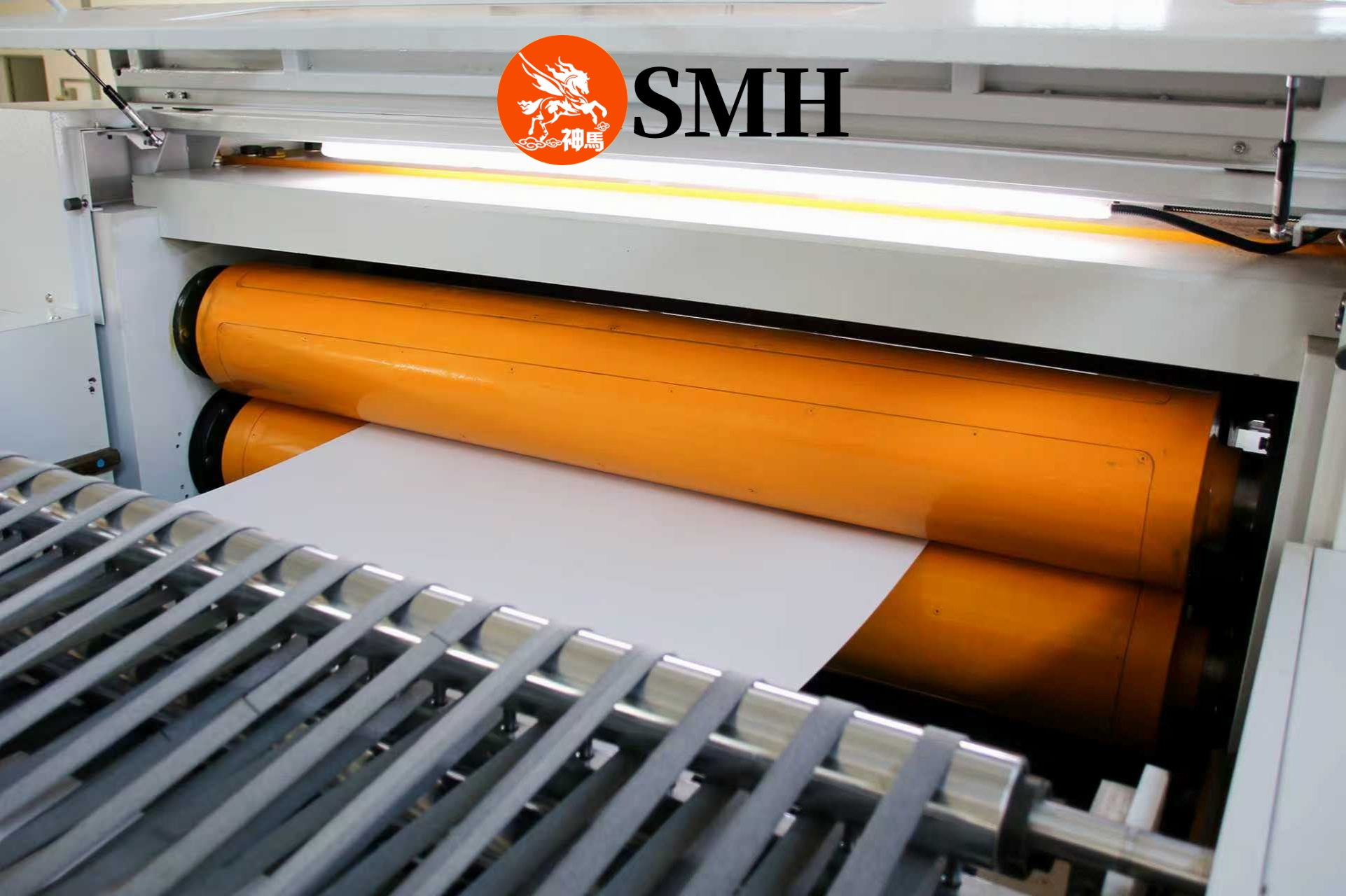
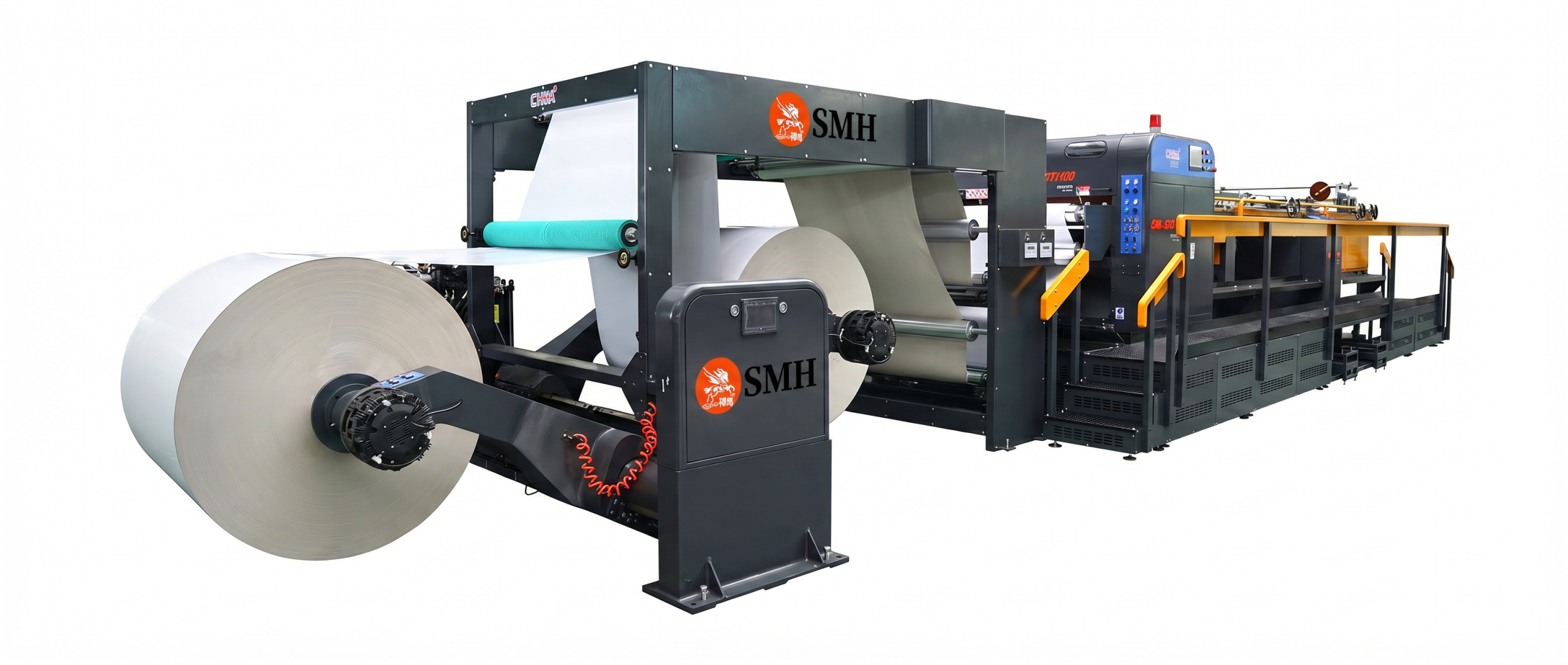
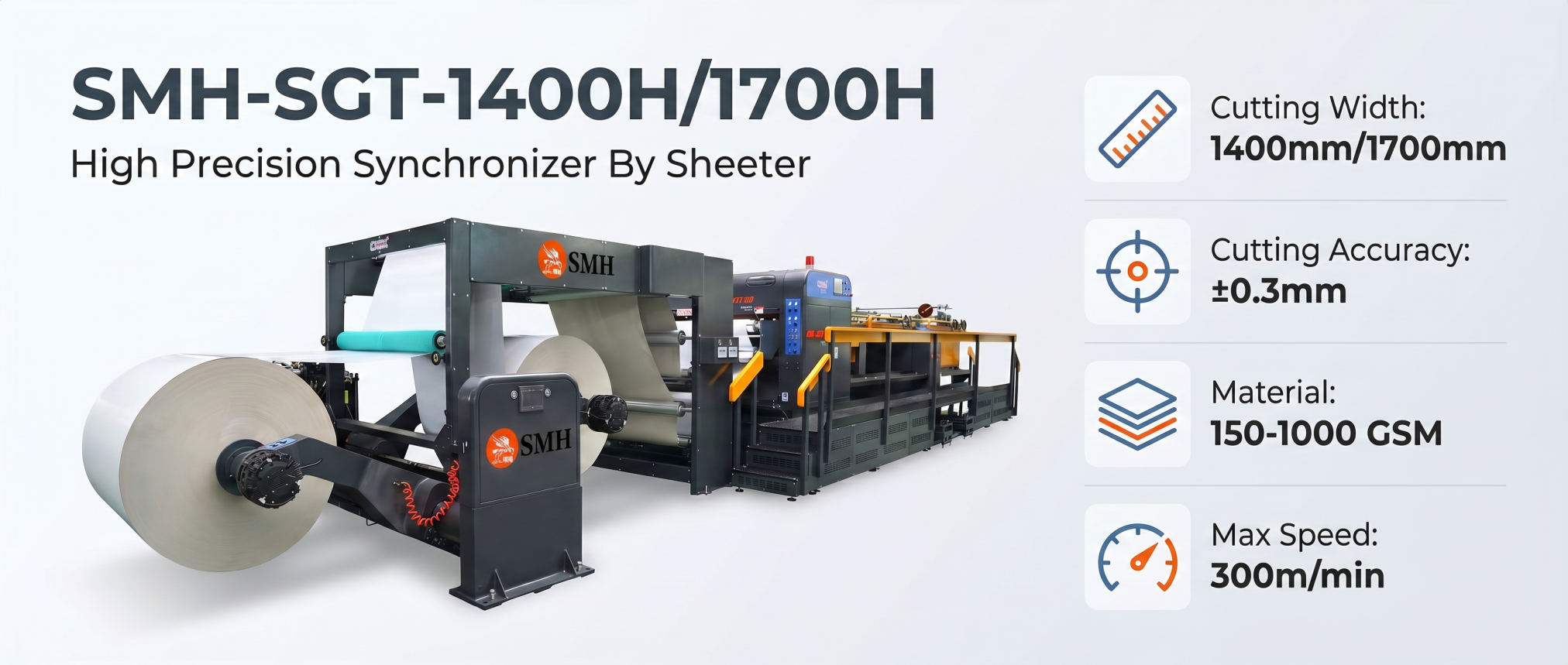
SMH-SGT1400H/1700H double rotary sheeter

1. Rigidity – The Real Foundation

At high speed, sheeting involves constant tension changes, impact loads, and rotating inertia. If the frame lacks rigidity, even small deformation affects knife alignment, cutting precision, and sheet consistency.

A rigid structure – reinforced side frames and optimized load-bearing design – keeps the cutting system stable at high speed. That’s why SMH heavy-duty sheeters use thicker wall plates and reinforced frames, not just bigger motors.

2. Dynamic Balance – Stability Is Not Static

As the jumbo roll diameter decreases, web tension changes, rotational inertia shifts, and the center of gravity moves. If the machine isn’t balanced, you get:

  • Vibration amplification
  • Unstable cutting length
  • Inconsistent stacking

A well-designed sheeter integrates optimized weight distribution, a stable base, and synchronized drives. In SMH double rotary knife systems, dynamic balance comes from synchronized cutting and continuous motion control, reducing impact forces and improving stability.

3. Cutting System – Where Speed Meets Precision

The cutter is the most sensitive part. At higher speeds:

  • Any knife misalignment gets magnified
  • Vibration directly causes edge defects
  • Impact force jumps

Traditional single knife systems often struggle. Double rotary knife systems (like SMH uses) offer continuous rotary cutting instead of intermittent impact – less vibration, cleaner edges, better high-speed consistency. That’s why machines with the same speed rating can perform so differently.

4. How to Spot “Fake High-Speed” Machines

Three practical checks:

  • Machine weight – For the same width, a heavier machine usually means better rigidity.
  • Vibration at speed – Excessive shaking on the frame or cutter area? Poor damping and weak structure.
  • Sound quality – A stable machine runs smooth and quiet. Sharp noises or irregular impact sounds mean trouble.

Bottom Line

Speed alone means nothing without stability. A machine that only hits its rated speed during testing – but must slow down in real production – doesn’t deliver real productivity.

True efficiency comes from stable high-speed operation, consistent cutting quality, and minimal downtime. That’s why leading manufacturers focus on rigidity, dynamic balance, and advanced cutting systems, not just speed numbers.

Need a stable high-speed sheeter?

If you’re evaluating a new machine or facing stability issues on your current line, SMH can provide practical solutions based on real operating conditions.

Contact SMH for a customized sheeting solution that actually runs at rated speed – without the drama.

Single Knife vs Double Knife Slitting Machine: Which One Cuts Better?

If you’re buying a paper slitting machine, you’ll run into two main designs: single knife and double knife. They look similar at first. But the difference in cutting quality, dust, and long-term cost is huge.

Here’s the real-world comparison – no fluff, just what matters for production.

How They Work (In Plain English)

Single knife
Bottom blade stays still. Top blade spins and chops the paper – kind of like a one-sided guillotine but with a little slide. The force is concentrated on a small area. It tears the fibers apart.

Adjustment? You have to tweak the diagonal angle often, especially when changing cut lengths. Typical accuracy: ±0.5 mm.

Double knife
Both top and bottom blades rotate together, with a helix angle so they mesh perfectly. It’s like using a pair of scissors – continuous shear cut. The force spreads evenly. Fibers get cut cleanly, not ripped.

Set it up once, and it stays stable for months. No constant fiddling.

Cutting Quality – Head to Head

Let’s skip the marketing talk. Here’s what actually happens on the line.

AspectSingle KnifeDouble Knife
Cut edgeRough, sloped – top and bottom edges look differentSmooth, clean, uniform cross-section
Paper dustLots of lint and dust. Not great for printingVery little dust. You can print right after slitting
Corner lossProne to corner drop at high speedAlmost no corner defects
Dimensional consistencyAverage – you may need trimming to fix edgesHigh – less waste, fewer rejects

So if you’re running coated paper or A4 copy paper that goes straight to a printer? Double knife wins easily.

What Materials Can They Handle?

Single knife

  • Paper weight: 60 – 550 gsm
  • Good for: packaging paper, standard printing paper, ordinary cultural paper
  • Best for: short cuts (within 1200 mm)
  • Who it’s for: cost-sensitive projects where perfect edge quality isn’t critical

Double knife

  • Paper weight: 150 – 1000 gsm (and surprisingly stable on thin paper down to 60–80 gsm)
  • Good for: A4 copy paper, coated paper, cardboard, premium packaging
  • Bonus: you can feed directly into printing equipment – no secondary trimming
  • Best for: high-speed, large-scale, consistent production

Production & Maintenance Reality

Single knife

Single knife

  • Simple mechanical design → lower upfront cost
  • But you need a skilled operator to keep adjusting angles
  • Suitable for small orders, frequent changeovers, diverse batches
Double knife

Double knife

  • More sophisticated design → higher initial investment
  • Low failure rate – the synchronized blade system just works
  • Can run at high speeds (dual-roll and four-roll configurations)
  • Less trimming waste. Over a year of continuous running, it pays for itself

So Which One Should You Buy?

Pick the single knife if:

  • Your budget is tight
  • You don’t need perfect edges (e.g., inner packaging layers)
  • You mostly run short-size, low-to-medium grammage paper
  • You have an experienced operator who can tweak settings

Pick the double knife if:

  • You want clean, dust-free edges for direct printing
  • You run heavy paper ( >150 gsm) or high-grade coated stock
  • You need consistent quality over long, high-speed runs
  • You’re okay with a higher upfront cost for lower long-term waste

Bottom Line

Single knife slitters are cheap and simple. They work – but they make dust, rougher edges, and need frequent adjustments.

Double knife slitters cost more upfront, but they give you cleaner cuts, less waste, and stable long-term operation. If your paper goes to printing or high-end converting, the double knife is worth every penny.

Still not sure? Send us your paper spec (grammage, width, speed). We’ve helped hundreds of converters choose the right slitter. No hard sell – just straight advice.

(And if you’re dealing with spring moisture or thin paper wrinkles, check out our other guides – linked below.)

April Paper Moisture Protection Guide: How to Protect Slit Paper in Spring

April Paper Moisture Protection: How to Keep Slit Paper Dry in Spring

April is tricky. Temperatures bounce up and down. Humidity climbs. And if you work with slit paper, you know – that’s when problems start.

Freshly slit edges absorb moisture way faster than the rest of the roll. You get edge waviness (some call it “lotus leaf edge”), mold spots, and paper that won’t stay flat. Then downstream printing or packaging goes sideways, and you lose material.

We’re a slitter manufacturer (SMH). We’ve seen this happen every spring. Here’s what actually works to protect slit paper in spring – no fluff, just practical steps.

First, Lock Down Your Storage

You can slit perfectly, but if storage is bad, the paper will still go bad.

1. Keep warehouse humidity at 50–60%
That’s the sweet spot for paper. Get dehumidifiers if you can. Use fans to keep air moving. Toss desiccants near paper stacks – cheap and effective.

Important – don’t store slit paper next to stuff like salt, fertilizers, soap, cement, or chemicals. Those materials release or attract moisture, and your paper will soak it up.

2. Get it off the ground
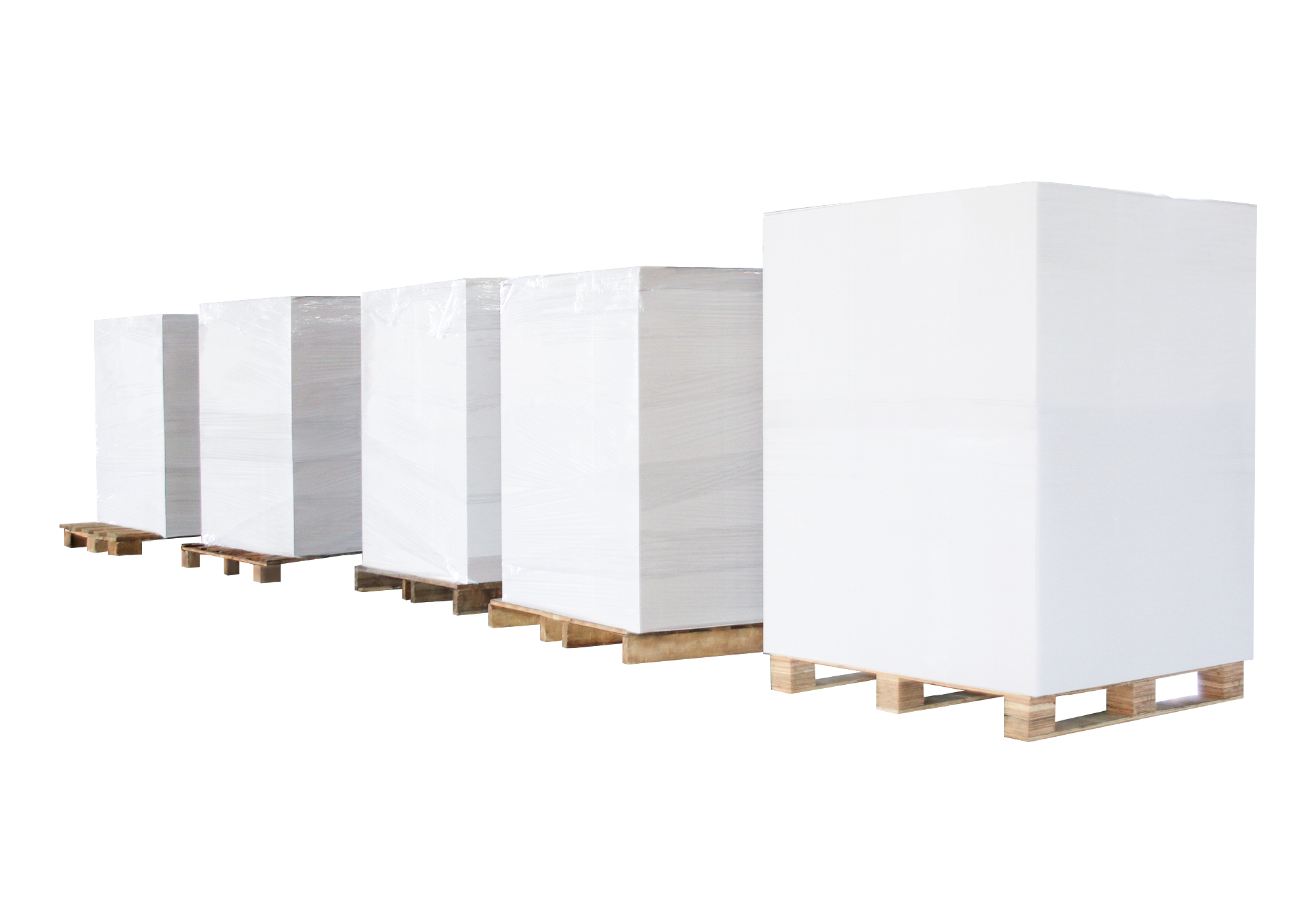
Never put slit paper directly on a concrete floor. Use pallets – good ones, not broken. Keep at least 10 cm (4 inches) clearance above the floor. Also make sure air can flow under and around the pallet. Wet floors happen. Don’t let your paper touch them.

3. Wrap it tight with stretch film
Stretch film is your cheap moisture shield. Wrap the whole stack – paper and pallet together. No gaps, no loose spots. If you use part of a roll, rewrap immediately. Exposed edges are where humidity attacks first.

4. Give it breathing room
Don’t push pallets against walls. Spring walls collect condensation. Leave space between stacks so air circulates. On dry or sunny days, open the warehouse to vent out humidity.

What to Do During Production (When Paper Is Most Exposed)

Once you open a wrapped roll, the clock starts. In April’s humid air, you have to move fast.

Three simple rules:

  • Wrap right after slitting. Don’t leave fresh slit paper sitting out “just for a minute.” That minute turns into an hour.
  • If you open a package and don’t use it all, reseal it. Stretch film again. Don’t be lazy.
  • On rainy days, double protect. Wrap unused paper with film and cover it with a protective board. Overkill? Maybe. But it works.

Don’t Store Slit Paper Too Long – Even With Good Protection

Spring accelerates paper aging. Coated paper yellows and dusts. Newsprint gets brittle. Packaging paper loses strength. Cartonboard grows mold.

So follow FIFO – first in, first out. Use the oldest rolls first. Don’t let slit paper sit for months. It’s not worth the risk.

What Happens When You Get It Right

No edge waviness. No mold. Flat, stable paper that feeds into your printing or converting line without drama. Less waste, fewer customer complaints.

And you don’t need expensive equipment – just discipline and a few cheap tools (dehumidifiers, pallets, stretch film).

Bottom Line

Moisture protection for slit paper isn’t rocket science. Control the warehouse humidity. Keep paper off the floor. Wrap it tight. Use it quickly. That’s 90% of the battle.

If you run a slitter in a humid environment and want equipment designed for clean, stable cuts – SMH makes them. But even with any slitter, these steps will save your spring production.

Got a specific moisture problem? Drop us a line. We’ve probably solved it before.