The Complete Guide to Paper: From Raw Materials to Applications

Have you ever wondered how the paper you use every day is made? What’s the difference between various types of paper? This article will take you through the ins and outs of paper.

1. What Paper Is Made Of: Fibers and Additives Working Together

Main raw materials (plant fibers):

  • Wood, reeds, bamboo
  • Sugarcane bagasse, rice straw, wheat straw
  • Tree bark, cotton, hemp, etc.

Additives:

  • Fillers (e.g., clay, talc): fill gaps between fibers
  • Sizing agents: improve strength and smoothness
  • Dyes: for tinting or coloring – even white paper needs treatment

2. Specialty Papers: Types and Structure of Gold/Silver Cardboard

Gold/Silver Cardboard

TypeComposition
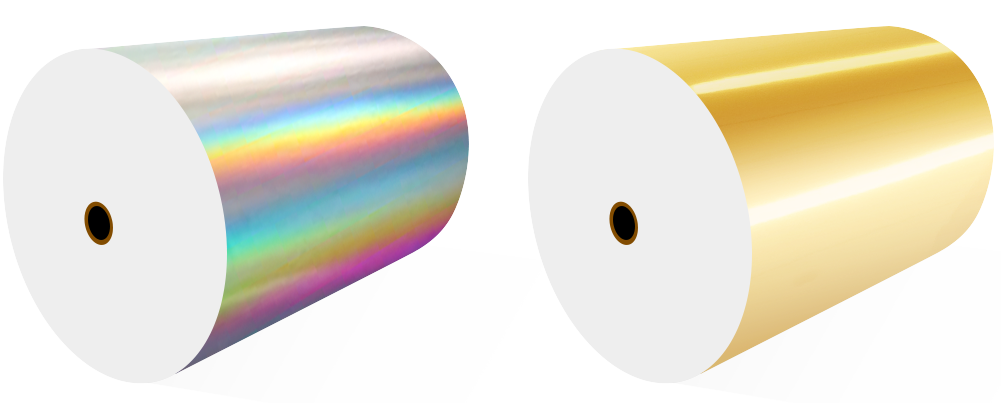
Aluminum foil basedAluminum + backing paper + varnish + print
PET basedFilm + backing paper + varnish + print
HolographicFilm + aluminum + embossing + backing paper + varnish + print

Note: Gold card is made by dyeing silver card (coated with red or yellow pigment), so its adhesion is generally weaker than that of silver card.

3. Paper Quality Evaluation Criteria

Visual quality

  • Uniformity: even distribution of fibers and thickness
  • Cleanliness: surface free from dirt and spots
  • Flatness: smooth and even

Physical properties

  • Squareness, caliper, density
  • Opacity, dirt count
  • Tensile strength, folding endurance, tear resistance

4. Paper Sizes Explained

Packaging formats

  • Sheet-fed: pre-cut by the mill, good flatness
  • Roll: wound on a core
Roll/Sheet-fed

Common sizes

TypeDimensions (mm)Inches
Large format889 × 119435″ × 47″
Standard format787 × 109231″ × 43″
Special formatAny size other than abovee.g., 25″ × 38″

5. Thickness vs. Grammage Reference Tables

Note: 1 “si” (Chinese unit) = 0.01 mm. Values vary by manufacturer and process; for reference only.

Coated paper (art paper)

GrammageThickness (si)
80 gsm5–6
105 gsm7–8
128 gsm10–11
157 gsm12–13
200 gsm16–17
230 gsm19
250 gsm22

Coated board

GrammageThickness (si)
230 gsm22–26
250 gsm26–27
300 gsm30–31
350 gsm35–37

Matte coated paper is about 2 si thicker than gloss coated paper of the same weight.

White card (solid bleached board)

GrammageThickness (si)
230 gsm29–30
250 gsm35
300 gsm40
350 gsm47–48
400 gsm52

White-backed white board / gray board

GrammageThickness (si)
250 gsm white back28
450 gsm white back57
250 gsm gray back28
300 gsm gray back36
350 gsm gray back42
400 gsm gray back49
450 gsm gray back57

Woodfree offset paper

GrammageThickness (si)
70 gsm8
80 gsm9
100 gsm11
120 gsm13
140 gsm16

Kraft paper

GrammageThickness (si)Notes
80 gsm11
120 gsm14
150 gsm16–1818 typical, 16 special
200 gsm22
300 gsm44

6. Practical Conversions and Selection Tips

How to choose:

  1. Brochures: 157–250 gsm coated paper
  2. Business cards: 300–350 gsm coated board or white card – specialty paper for a premium feel
  3. Book interiors: 70–120 gsm woodfree offset paper
  4. Packaging boxes: 250–400 gsm gray board or white card
  5. Envelopes/file folders: 80–150 gsm kraft paper

Thickness reference (everyday items):

  • Standard A4 printer paper: about 8–9 si
  • Typical business card: 30–35 si
  • Hardcover book cover: 40–50 si
  • High-end gift box: over 50 si

With this guide, you now have a solid understanding of paper raw materials, types, specifications, and quality standards. Whether for daily use or professional selection, this knowledge will help you make better decisions.

How Roller Condition Impacts Paper Quality Secretly

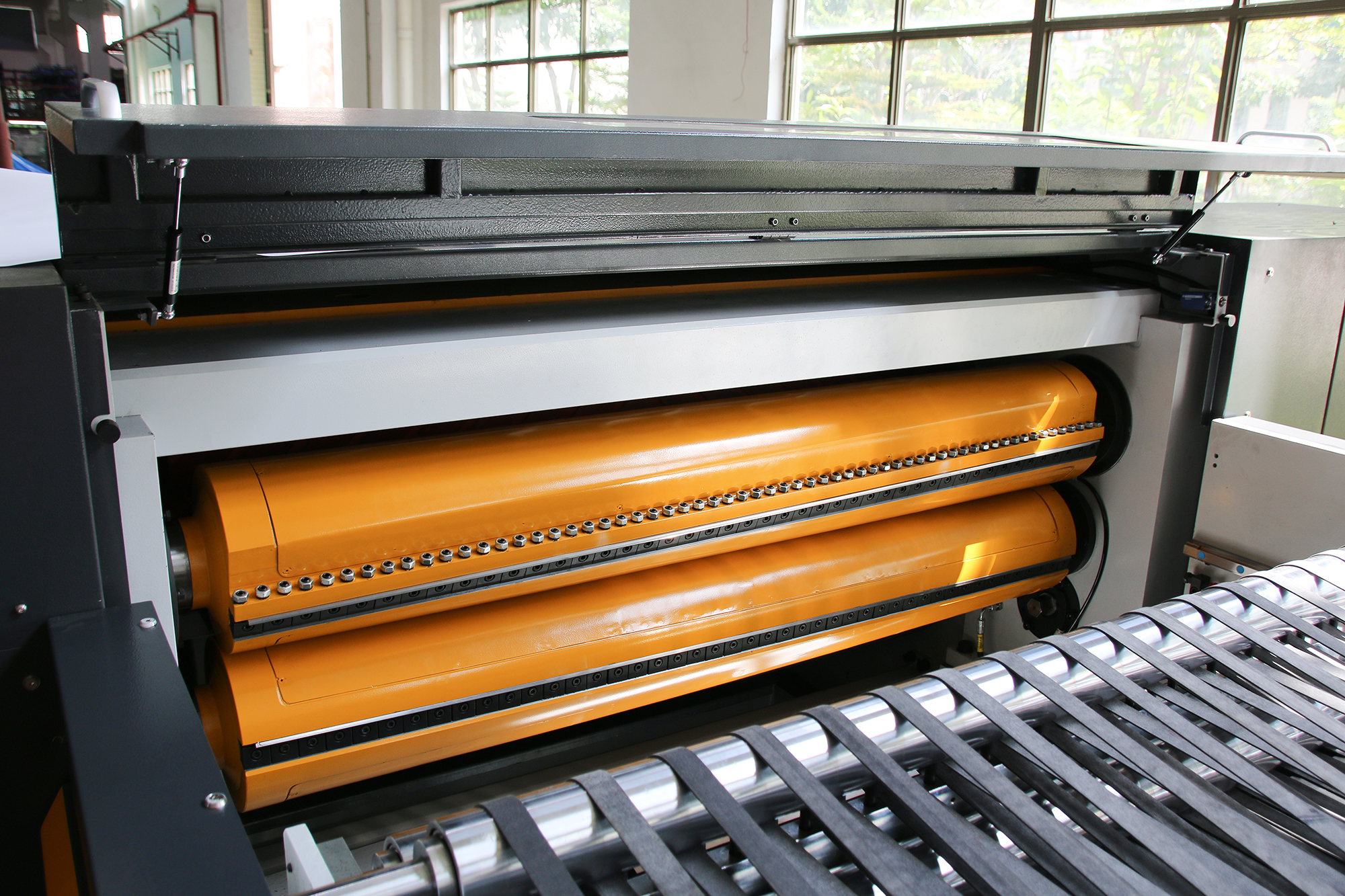
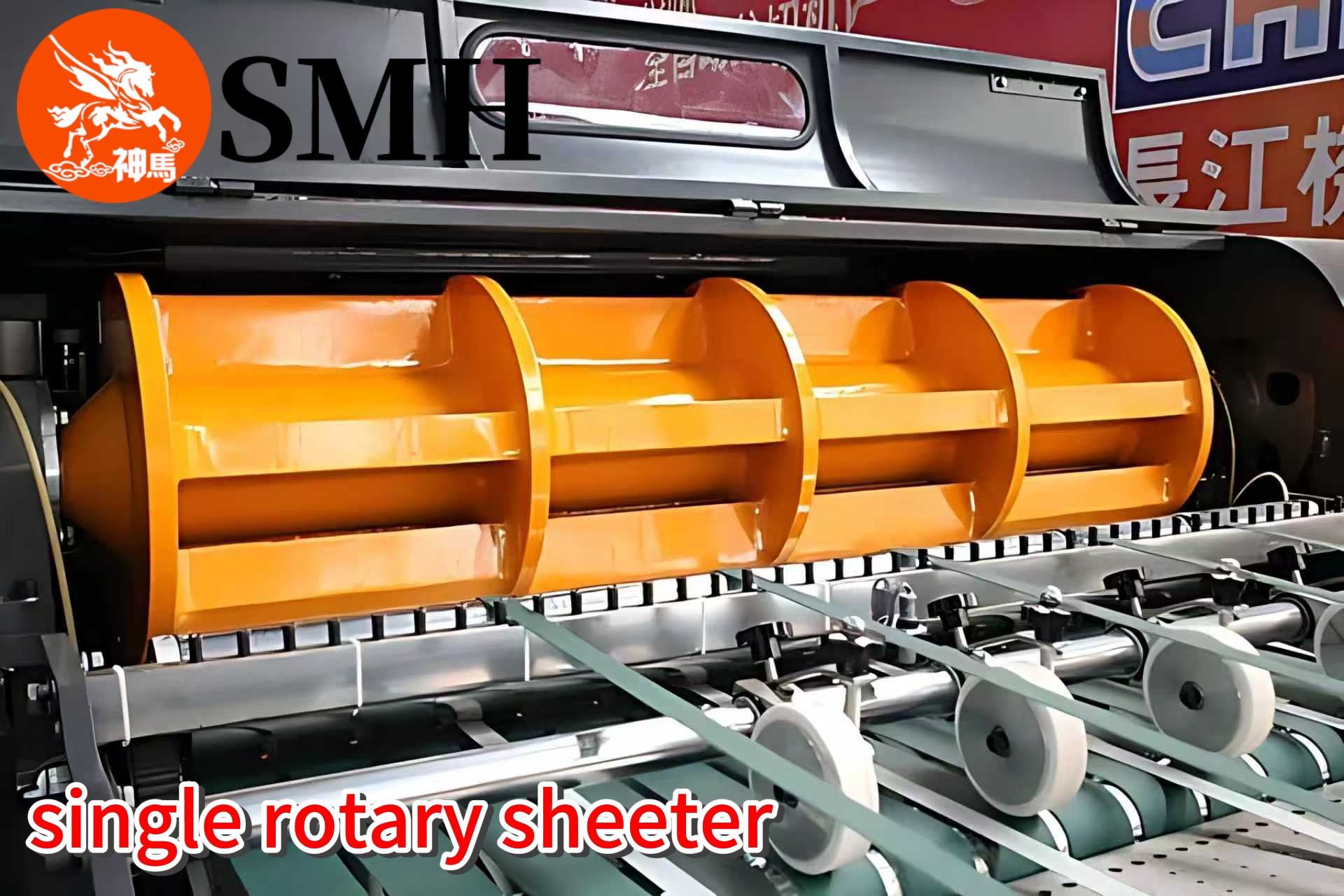
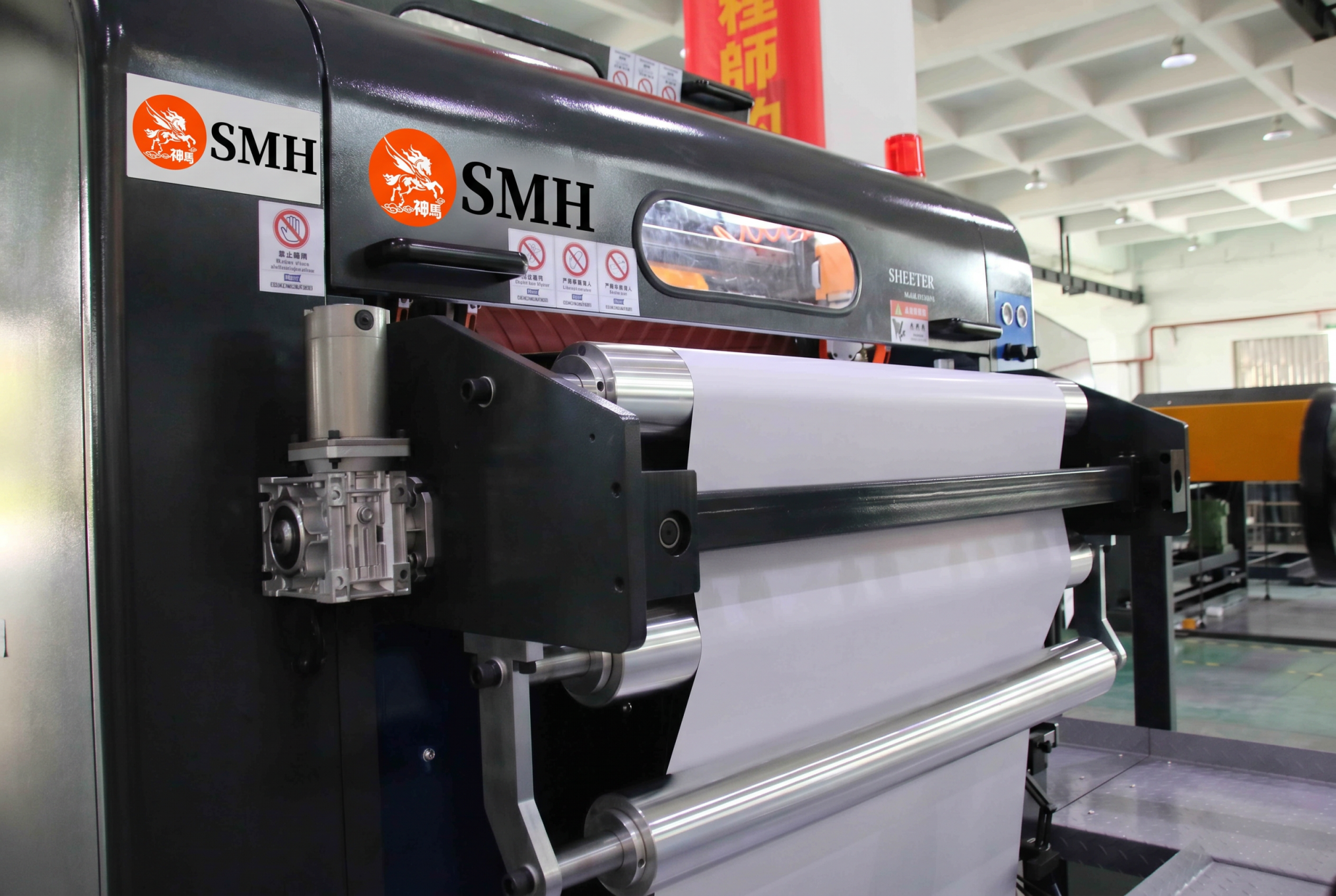
Rollers are one of the most underestimated components in a sheeting line.
Attention is usually placed on cutting units, motors, and control systems, while rollers are expected to “just work.”

In reality, rollers directly affect how paper moves through the machine.
When their condition is not stable, problems appear gradually—often without being immediately traced back to the rollers themselves.

Why Rollers Matter More Than Expected

Every stage of the process depends on controlled paper movement.
Rollers are responsible for:

  • feeding the paper forward
  • maintaining traction
  • supporting stable tension
  • guiding the web through different sections

If any of these functions become inconsistent, the impact will show up in product quality.

Common Roller-Related Issues

1. Surface Wear
Over time, roller surfaces lose their original friction characteristics.

When grip decreases:

  • paper may slip slightly during transport
  • feed accuracy becomes inconsistent
  • sheet length may begin to vary

This issue often develops slowly, making it difficult to detect early.

2. Contamination Build-Up
Dust, paper fibers, coating residue, or adhesive can accumulate on roller surfaces.

This leads to:

  • uneven contact across the roller width
  • inconsistent feeding force
  • localized slipping or drag

In some cases, contamination creates small but repeated disturbances in paper movement.

3. Misalignment
Even a slight deviation in roller alignment can affect web behavior.

If rollers are not parallel:

  • the paper may drift to one side
  • tension becomes uneven across the width
  • edge quality and cutting position are affected

These problems are often mistaken for guiding or tension issues, while the root cause lies in mechanical alignment.

Why These Problems Are Often Overlooked

Roller-related issues rarely cause immediate failure.
Instead, they introduce small variations into the process.

Operators may respond by adjusting tension, guiding, or speed, without realizing that the underlying problem remains.
This leads to repeated corrections without long-term improvement.

Impact on Final Product Quality

When roller condition is not consistent:

  • sheet length accuracy becomes unstable
  • wrinkles or waviness may appear
  • edge alignment can drift
  • stacking quality may decline

These effects are cumulative and become more visible during long production runs.

Maintaining Stable Roller Performance

To avoid these issues, roller condition should be part of routine maintenance rather than occasional inspection.

Key practices include:

  • regular cleaning to remove dust and residue
  • checking surface wear and replacing when necessary
  • verifying alignment across the full width
  • monitoring feeding consistency during operation

Consistent maintenance helps prevent gradual quality loss.

Conclusion

Rollers may seem like simple mechanical parts, but they play a critical role in process stability.
Small issues—wear, contamination, or misalignment—can lead to noticeable quality problems over time.

Maintaining roller condition is not just maintenance work; it is a necessary step to ensure stable feeding, consistent tension, and reliable cutting results.

How to Run Thin Paper Without Wrinkles | Practical Experience

If you’ve ever run thin paper on a sheeting line, you know it’s a pain. Especially stuff like 28 to 60 gsm Bible paper, release liner, or silicone-coated grades. Even a tiny change in tension or a slight bump in handling – and it goes crazy.

Unlike thick paper, thin paper has almost no stiffness. So it can’t absorb any tension changes or transport fluctuations. Any small instability gives you wrinkles, waves, or a web break right away.

Why is it so touchy? Three real-world reasons:

  • It stretches easily under tension.
  • It can’t handle compression or bending.
  • Coatings like silicone make friction uneven.

That’s why settings that work fine for regular paper often fail on thin stock.

From running this stuff day to day, three things matter most if you want it to run stable.

First, keep tension low and steady. Thin paper hates sudden force changes. Too high or fluctuating tension – you get wrinkles across the web, uneven edges, or breaks. The trick isn’t just low tension. It’s steady tension. That means compensating for roll diameter changes, and no hard accelerating or decelerating.

Second, guide it gently. The edge guide has to correct position without pulling on the web. If the guiding force is uneven or too aggressive, one side gets tighter than the other. That gives you diagonal wrinkles or distortion, and the feeding into the cut-off gets unstable. With thin paper, you want precise but smooth guiding – keep alignment without adding stress.

Third, make sure the whole transport path is smooth. Worn or rough rollers will cause problems. So will mismatched speeds between sections, or sudden direction changes. The paper can catch, shift, or compress, and you see visible defects. A clean, well-maintained, synchronized system is not optional.

Beyond those main things, a few practical details also mess with thin paper:

  • Humidity changes affect how the paper behaves.
  • Static electricity makes handling harder.
  • Bad setup when loading the roll can introduce instability from the start.

Sometimes operators see thin paper run fine at first, then start acting up later. Usually it’s not one big fault – just a gradual drift in one of those conditions.

When you get it right, what does stable production look like? The web stays flat and stable all the way. No wrinkles even on long runs. Cutting and stacking are consistent. The operator barely has to touch anything. And you can run at real production speeds without losing quality.

Bottom line – thin paper isn’t like regular paper. You can’t just use standard settings and rough control. You need a stable, balanced process where tension, guiding, and transport are all carefully managed.

Get those right, and it’ll run.

Why Your Line Looks Busy but Output Is Low | Practical Analysis

It’s common to see a production line running all day with operators constantly moving, adjusting, and handling materials.
On the surface, everything looks active. But when you check the actual output, the numbers don’t match the effort.

This gap between activity and real productivity is a frequent issue in paper converting plants.

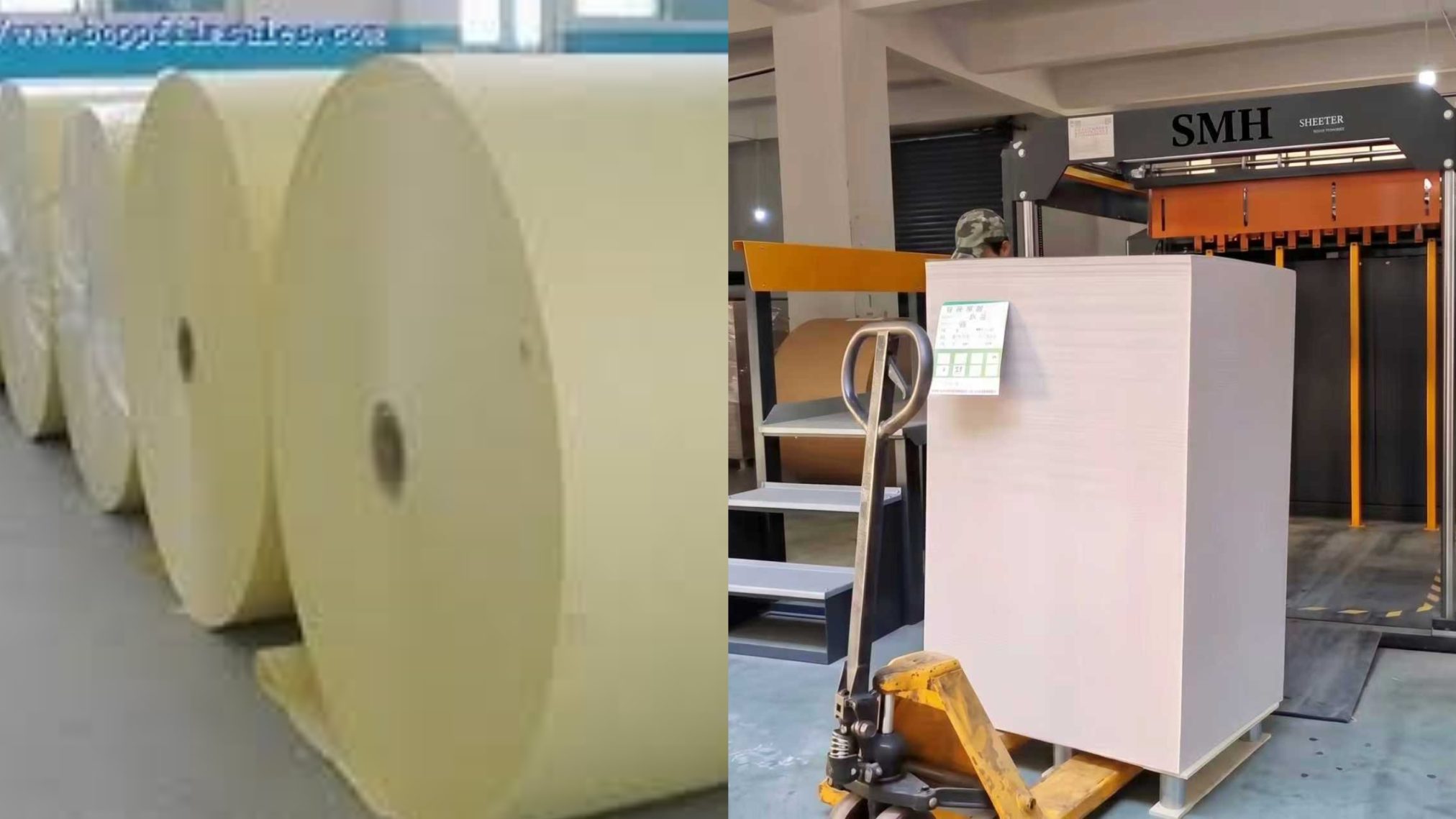
Pallet truck for transporting roll paper

Activity Does Not Equal Output

A line can be “busy” for many reasons that don’t contribute to finished product.
Operators may be:

  • moving stacks between sections
  • correcting alignment issues
  • waiting for the next step to catch up
  • handling small interruptions

All of this creates motion, but not necessarily usable output.

Where Efficiency Is Actually Lost

Based on practical production observations, low output in a busy line usually comes from three areas.

1. Excessive Manual Handling
When too many steps depend on manual work, speed becomes limited by people rather than machines.

Typical examples include:

  • manual counting and sorting
  • repositioning stacks
  • repeated adjustments between processes

Even if each step only takes a short time, the cumulative effect reduces overall throughput.

2. Unbalanced Workflow Layout
Layout design directly affects how materials move through the factory.

If the process is not well arranged:

  • raw materials travel longer distances than necessary
  • semi-finished products are temporarily stored and moved again
  • finished goods require additional handling before shipment

These extra movements do not add value but consume time and labor.

3. Frequent Small Interruptions
Short stops are often overlooked because they seem minor.

In reality, they are one of the biggest sources of lost efficiency.
These include:

  • minor jams
  • repeated parameter adjustments
  • sample checks and corrections
  • coordination delays between sections

Individually, each stop may last only a few minutes. Over a full shift, they significantly reduce effective production time.

Why the Problem Persists

Many operations try to solve these issues by adding more operators or increasing machine speed.
In most cases, this does not improve output.

If the process itself is not smooth, increasing speed only creates more instability, and adding labor increases complexity without fixing the root cause.

SMH A4 Paper Cutting and Packaging Machine

What an Efficient Line Looks Like

A high-efficiency line is not defined by how busy it appears, but by how smoothly it runs.

In a well-structured process:

  • material flows continuously from one step to the next
  • each section is matched in capacity
  • manual intervention is minimized
  • interruptions are rare and controlled

The result is steady, predictable output rather than fluctuating performance.

Practical Outcome

When workflow and process balance are improved:

  • total output increases without raising nominal speed
  • operator workload becomes more manageable
  • product quality becomes more consistent
  • planning and delivery become more reliable

Efficiency comes from reducing unnecessary actions, not increasing activity.

Conclusion

A busy production line is not always a productive one.
If output remains low despite constant activity, the issue lies in process design, not effort.

Real efficiency is achieved when the entire line operates as a coordinated system, where each step supports continuous flow rather than interrupting it.