
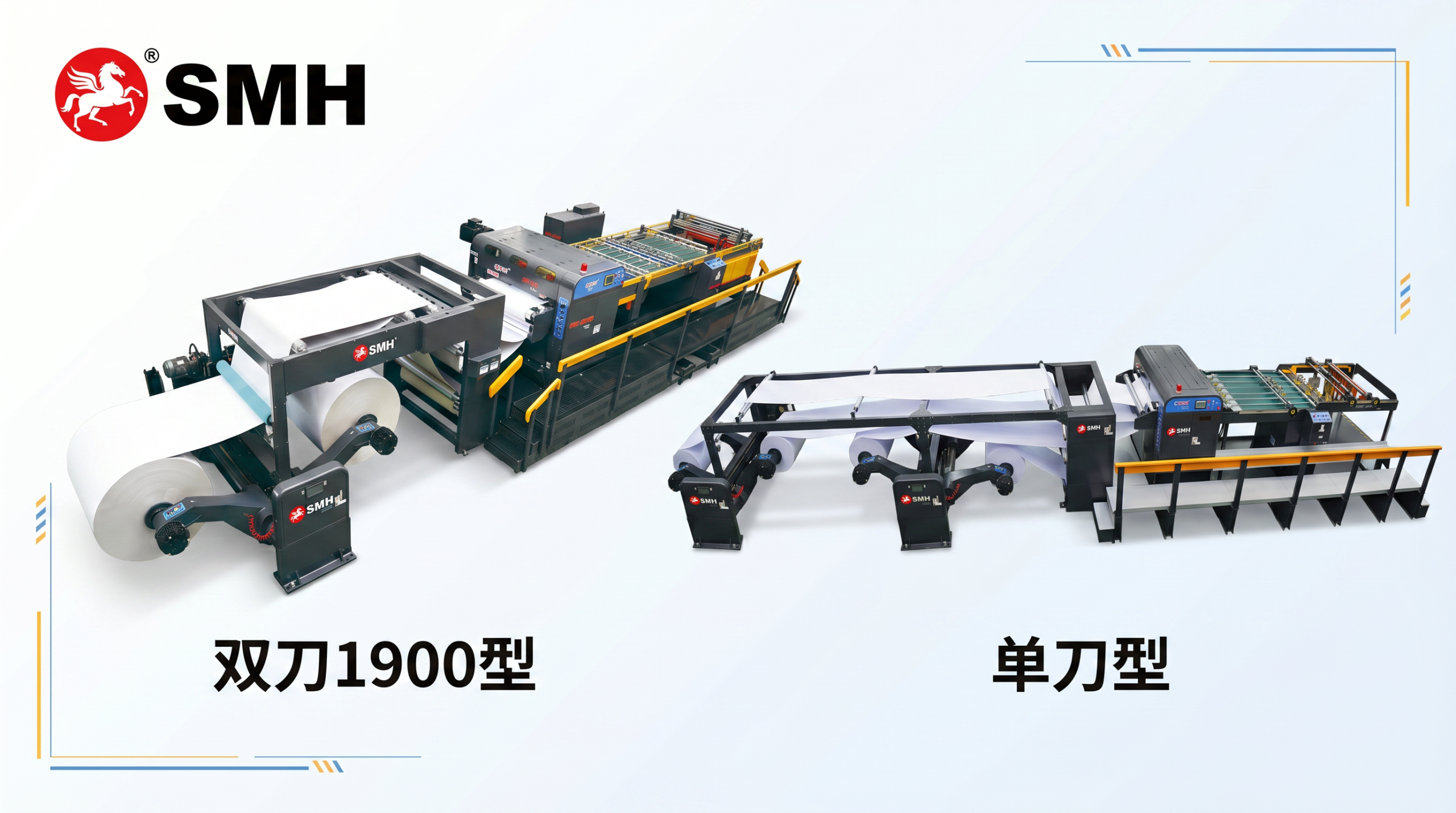

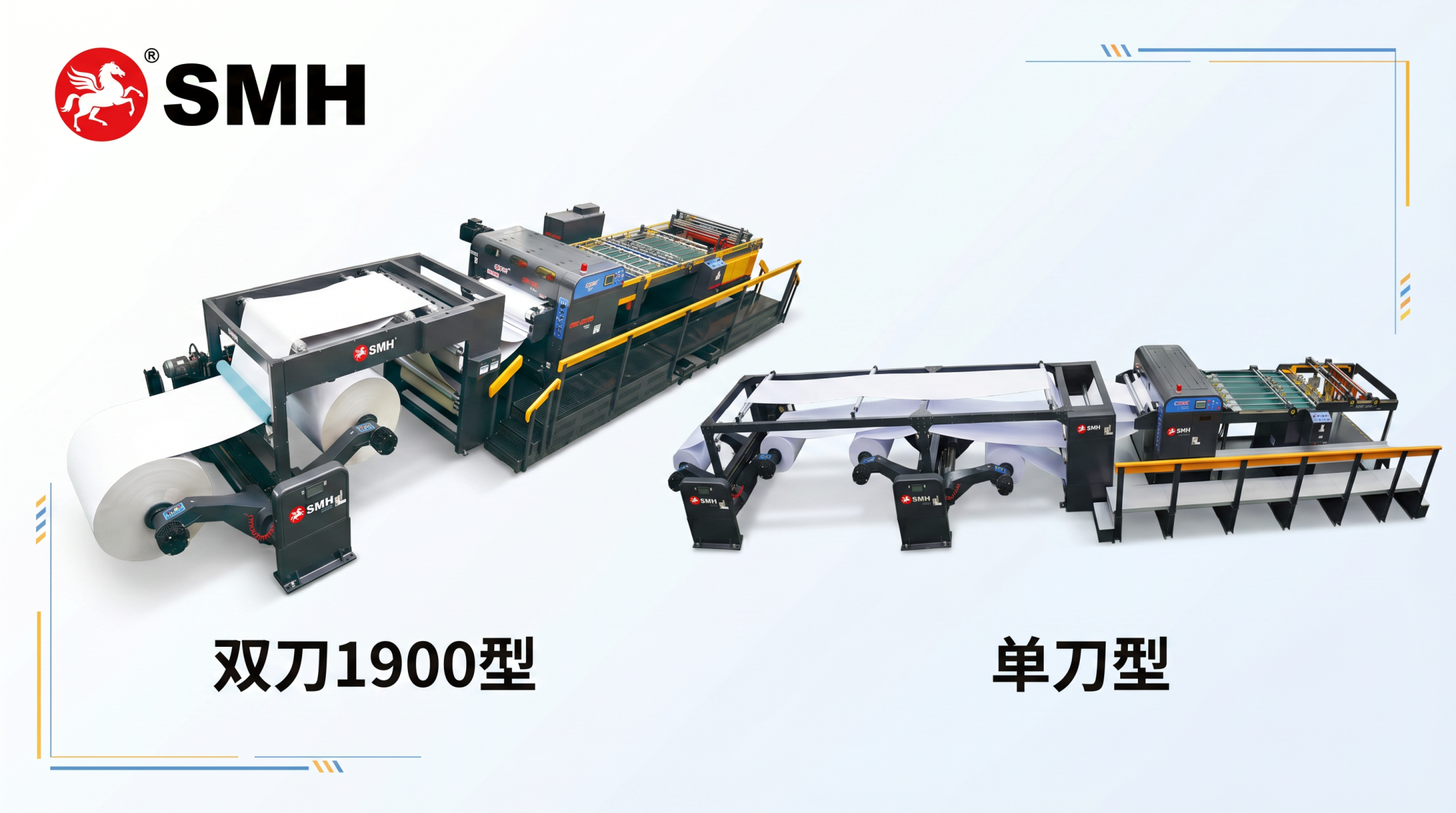
If you’re buying a paper slitting machine, you’ll run into two main designs: single knife and double knife. They look similar at first. But the difference in cutting quality, dust, and long-term cost is huge.
Here’s the real-world comparison – no fluff, just what matters for production.
How They Work (In Plain English)
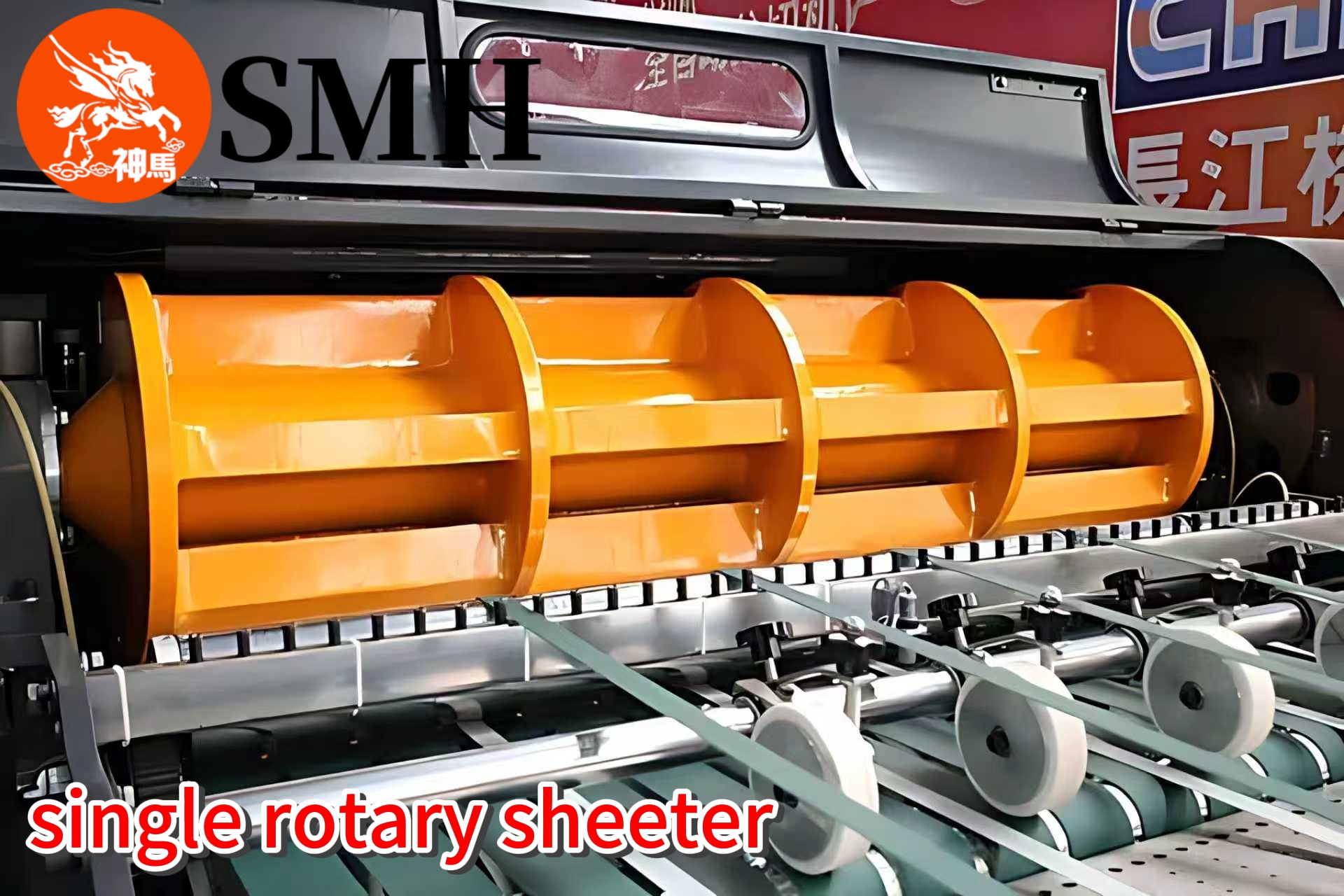
Single knife
Bottom blade stays still. Top blade spins and chops the paper – kind of like a one-sided guillotine but with a little slide. The force is concentrated on a small area. It tears the fibers apart.
Adjustment? You have to tweak the diagonal angle often, especially when changing cut lengths. Typical accuracy: ±0.5 mm.
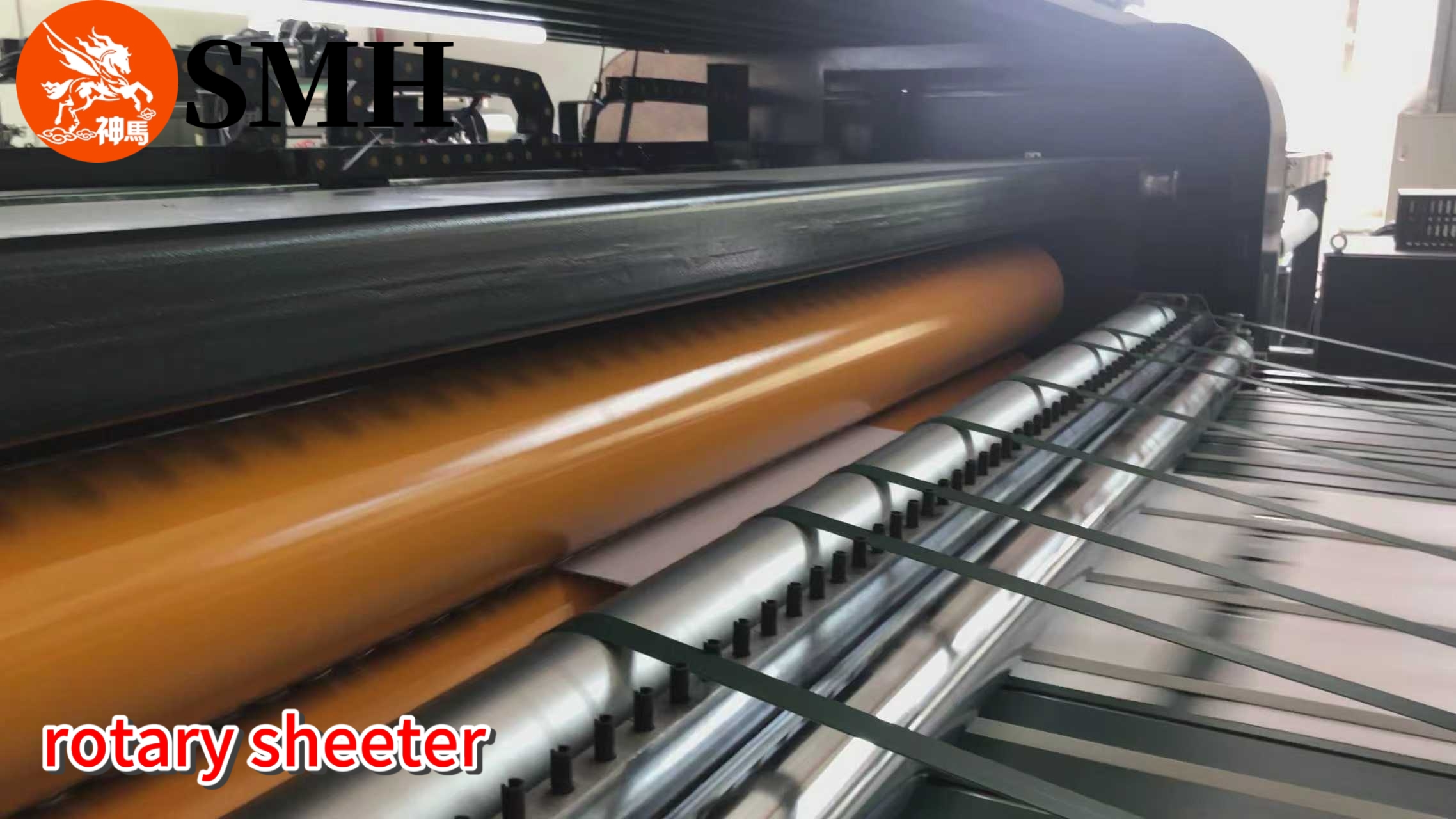
Double knife
Both top and bottom blades rotate together, with a helix angle so they mesh perfectly. It’s like using a pair of scissors – continuous shear cut. The force spreads evenly. Fibers get cut cleanly, not ripped.
Set it up once, and it stays stable for months. No constant fiddling.
Cutting Quality – Head to Head
Let’s skip the marketing talk. Here’s what actually happens on the line.
| Aspect | Single Knife | Double Knife |
|---|---|---|
| Cut edge | Rough, sloped – top and bottom edges look different | Smooth, clean, uniform cross-section |
| Paper dust | Lots of lint and dust. Not great for printing | Very little dust. You can print right after slitting |
| Corner loss | Prone to corner drop at high speed | Almost no corner defects |
| Dimensional consistency | Average – you may need trimming to fix edges | High – less waste, fewer rejects |
So if you’re running coated paper or A4 copy paper that goes straight to a printer? Double knife wins easily.
What Materials Can They Handle?
Single knife
- Paper weight: 60 – 550 gsm
- Good for: packaging paper, standard printing paper, ordinary cultural paper
- Best for: short cuts (within 1200 mm)
- Who it’s for: cost-sensitive projects where perfect edge quality isn’t critical
Double knife
- Paper weight: 150 – 1000 gsm (and surprisingly stable on thin paper down to 60–80 gsm)
- Good for: A4 copy paper, coated paper, cardboard, premium packaging
- Bonus: you can feed directly into printing equipment – no secondary trimming
- Best for: high-speed, large-scale, consistent production
Production & Maintenance Reality
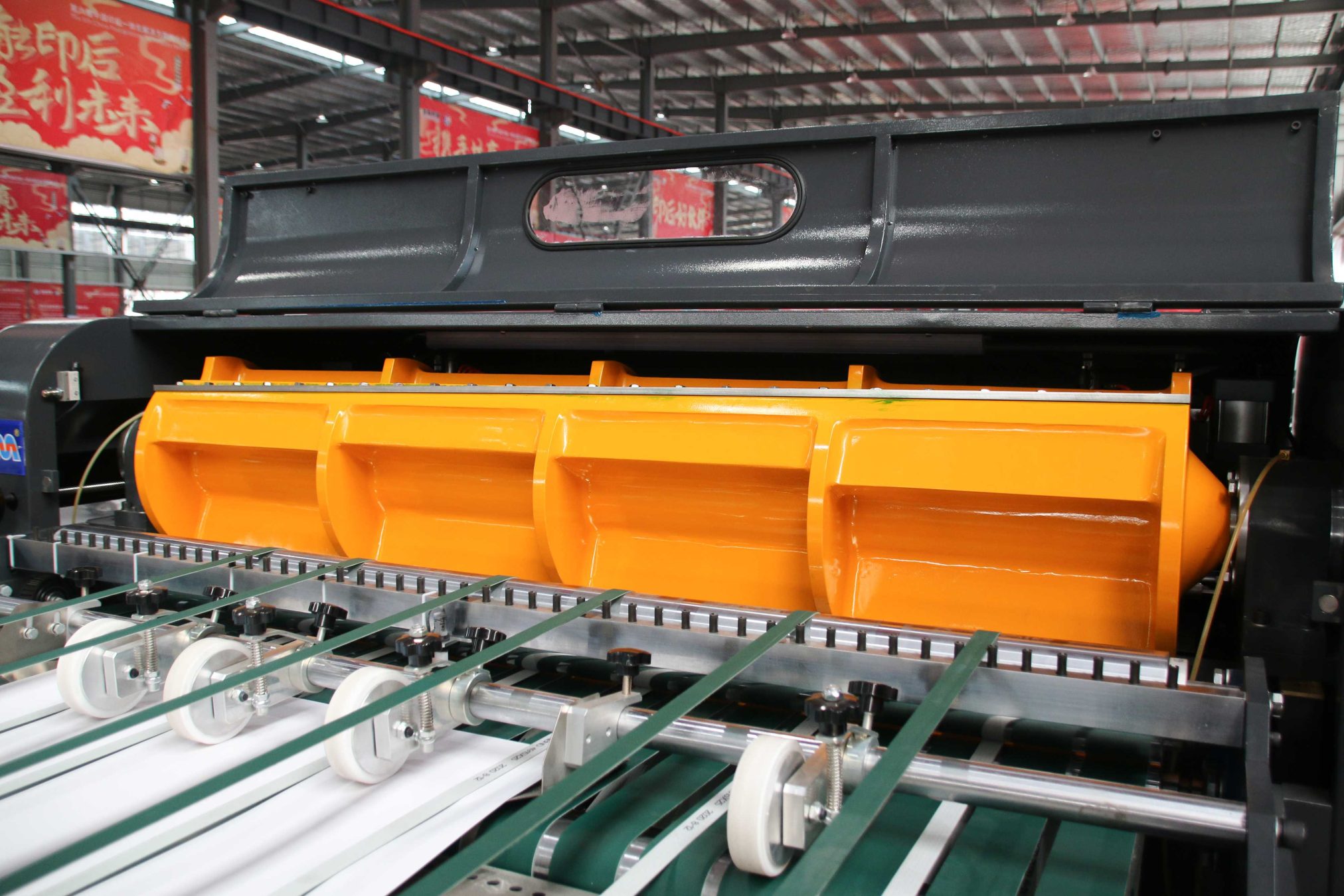
Single knife
- Simple mechanical design → lower upfront cost
- But you need a skilled operator to keep adjusting angles
- Suitable for small orders, frequent changeovers, diverse batches
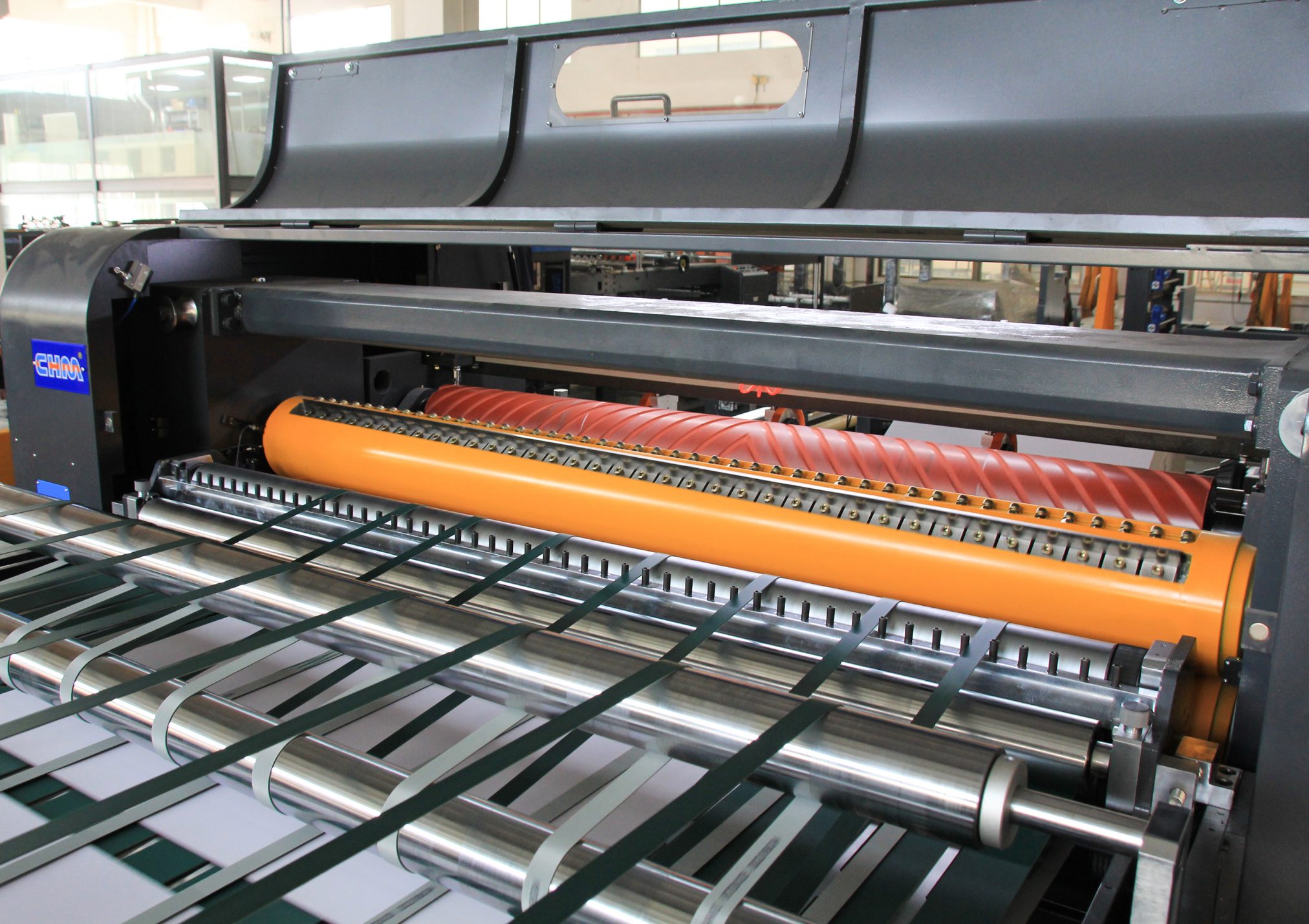
Double knife
- More sophisticated design → higher initial investment
- Low failure rate – the synchronized blade system just works
- Can run at high speeds (dual-roll and four-roll configurations)
- Less trimming waste. Over a year of continuous running, it pays for itself
So Which One Should You Buy?
Pick the single knife if:
- Your budget is tight
- You don’t need perfect edges (e.g., inner packaging layers)
- You mostly run short-size, low-to-medium grammage paper
- You have an experienced operator who can tweak settings
Pick the double knife if:
- You want clean, dust-free edges for direct printing
- You run heavy paper ( >150 gsm) or high-grade coated stock
- You need consistent quality over long, high-speed runs
- You’re okay with a higher upfront cost for lower long-term waste
Bottom Line
Single knife slitters are cheap and simple. They work – but they make dust, rougher edges, and need frequent adjustments.
Double knife slitters cost more upfront, but they give you cleaner cuts, less waste, and stable long-term operation. If your paper goes to printing or high-end converting, the double knife is worth every penny.
Still not sure? Send us your paper spec (grammage, width, speed). We’ve helped hundreds of converters choose the right slitter. No hard sell – just straight advice.
(And if you’re dealing with spring moisture or thin paper wrinkles, check out our other guides – linked below.)